Visible
Visible, an AR app for street artists, empowers users to place and create art pieces, compete over territory, and engage in dynamic interactions.
The app showcases a gallery for art collection and an AR mode for placing imported pieces and creating new ones using AR glasses.
- Project Type
- UX & UIAR Smartphone AppAR Hololens 2 AppA Unity Game
- Duration
- 2 weeks
- Skills
- Visual Identity DesignDesign LibraryInformation ArchitectureUsability TestingUser Interface DesignProject ManagementUnity Dev. with SDKFilming, Directing / Editing
- Team
- Kaitlynn A. HawrankeMiguel SeabraRobin Good
- My Role
- Product ResearchConcept DevelopmentUI & UX DesignIdeating DesignPrototypingBranding DesignProject Management
- Collaboration
- ZHdK University, ETHZ University, Microsoft Technology Center in Zürich
Short read
My Role
Worked on the design and development of “Visible” from concept to execution, optimizing user experience for mobile and AR platforms.
Users
Our users are street artists and digital creators who thrive on creativity, competition, and community.
Main Challenge
The main challenge for “Visible” was developing an AR platform that lets street artists express themselves digitally and compete for territory.
Our research included over 25 interviews and surveys with street artists, graffiti enthusiasts, and digital creators, uncovering key user needs and pain points:
- Precise AR Art Placement: Users want tools that allow them to accurately place and showcase their art in real-world settings.
- Competitive Gameplay: There is a strong interest in gamified elements, like defending and claiming virtual territories.
- Community and Engagement: A space where artists can comment, like, and build a community around their creations.
Our Solution
“Visible” revolutionizes urban art with AR technology and interactive gameplay, letting users create, place, and defend digital art in real-world settings.
Map Screens
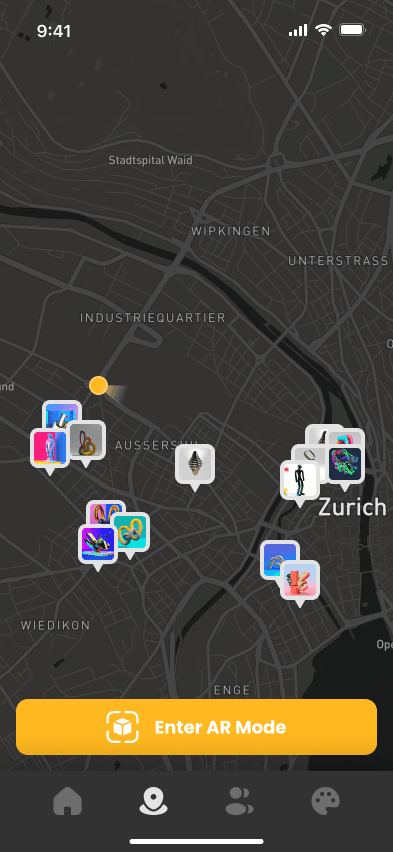
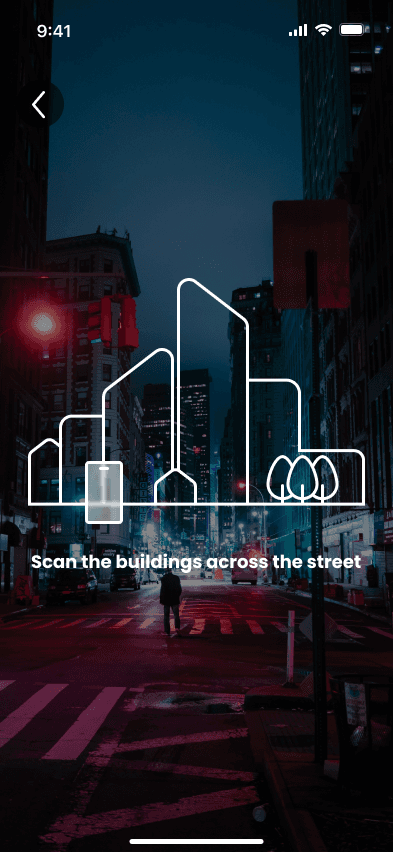
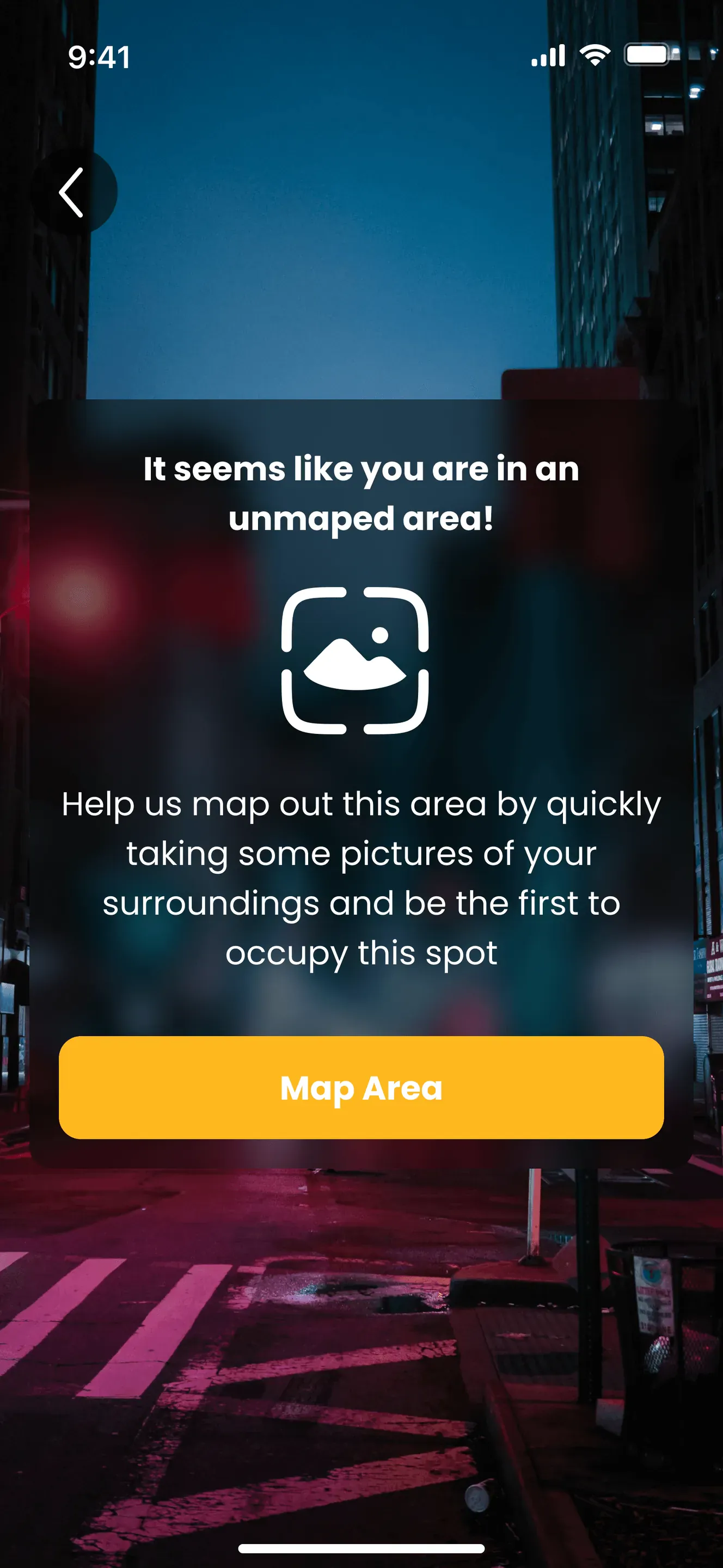
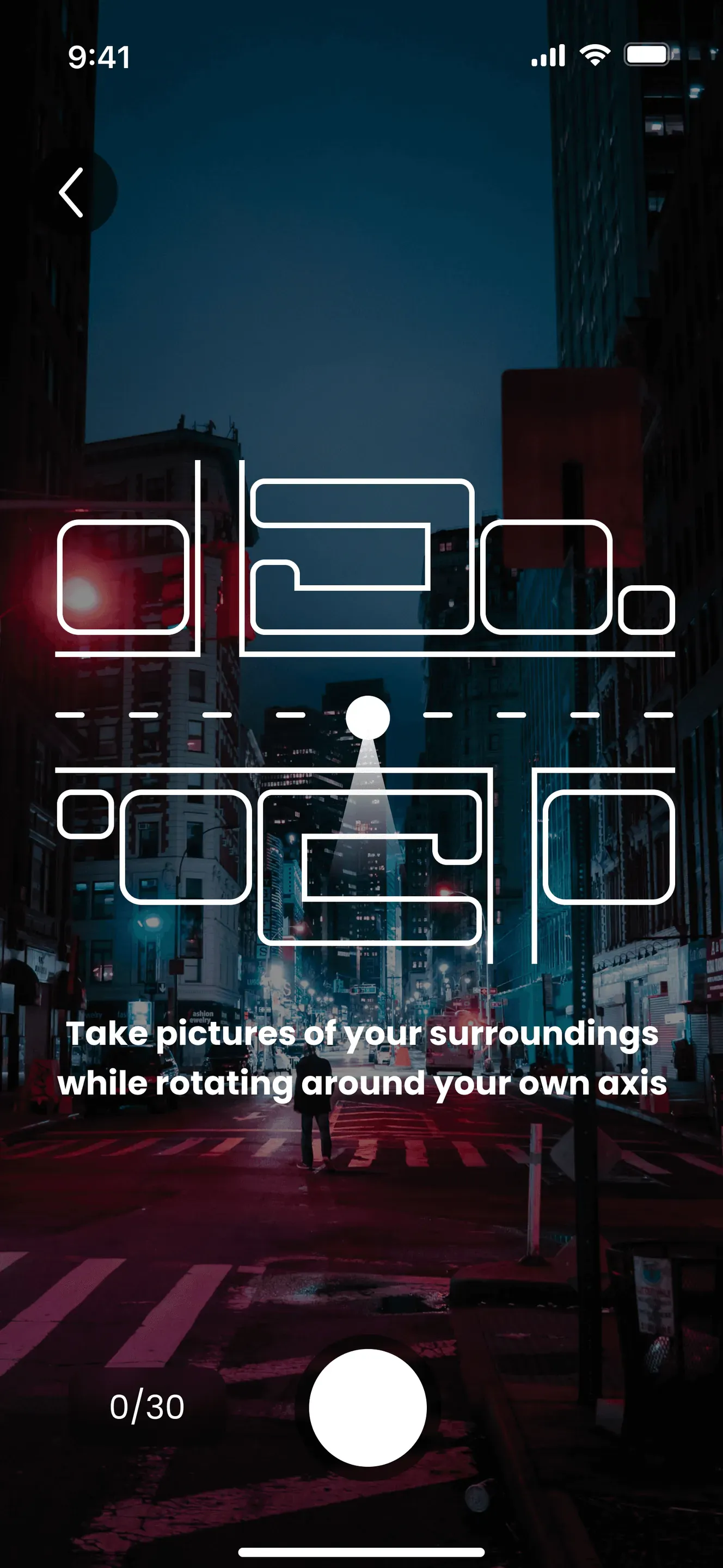
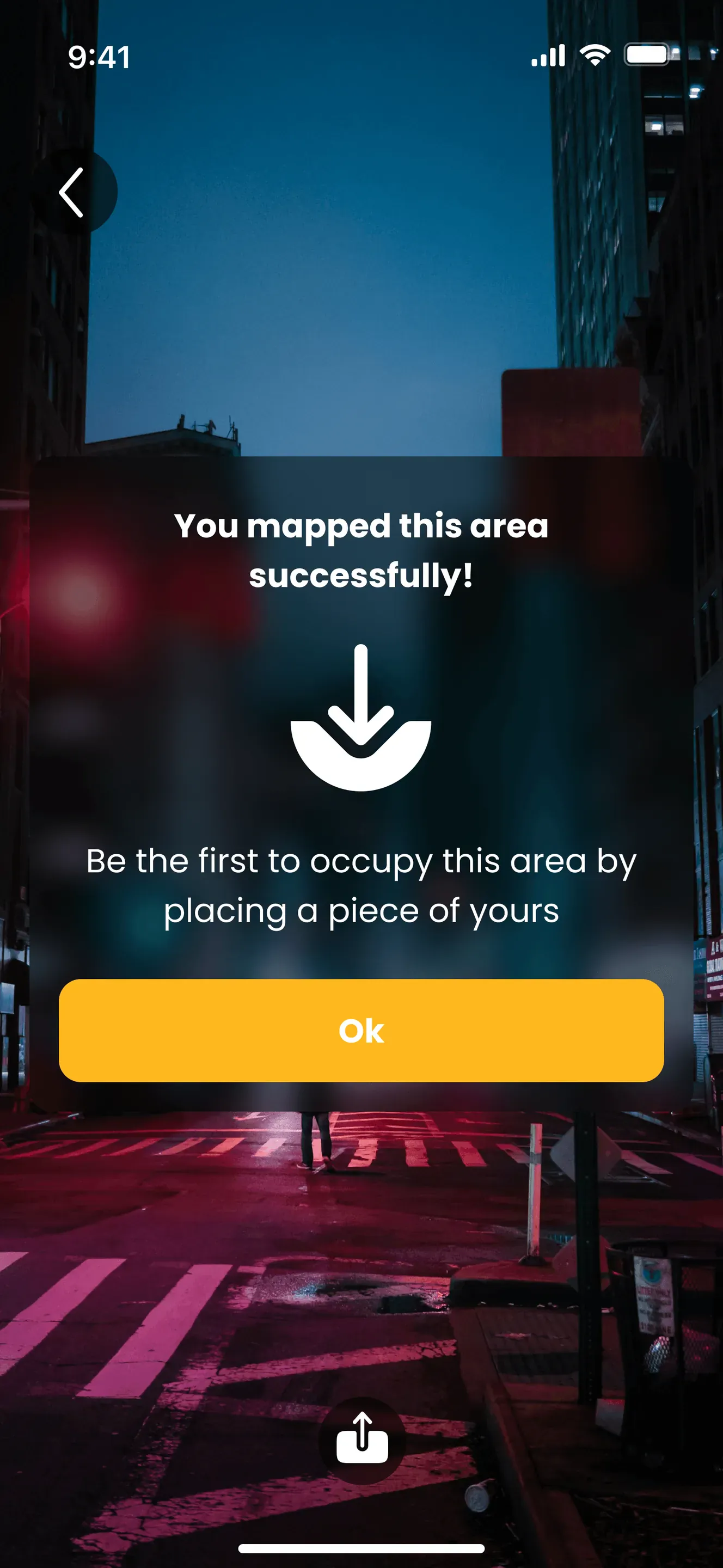
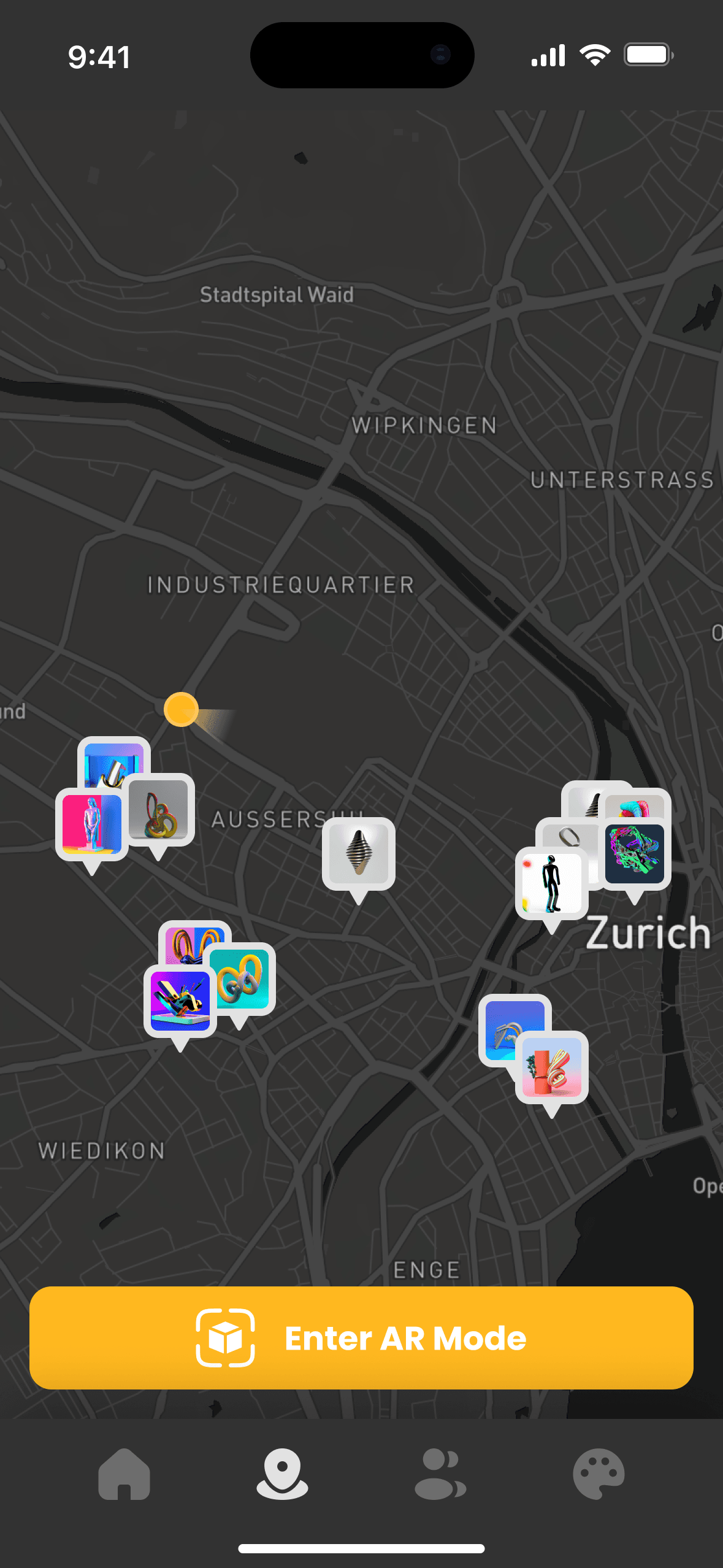
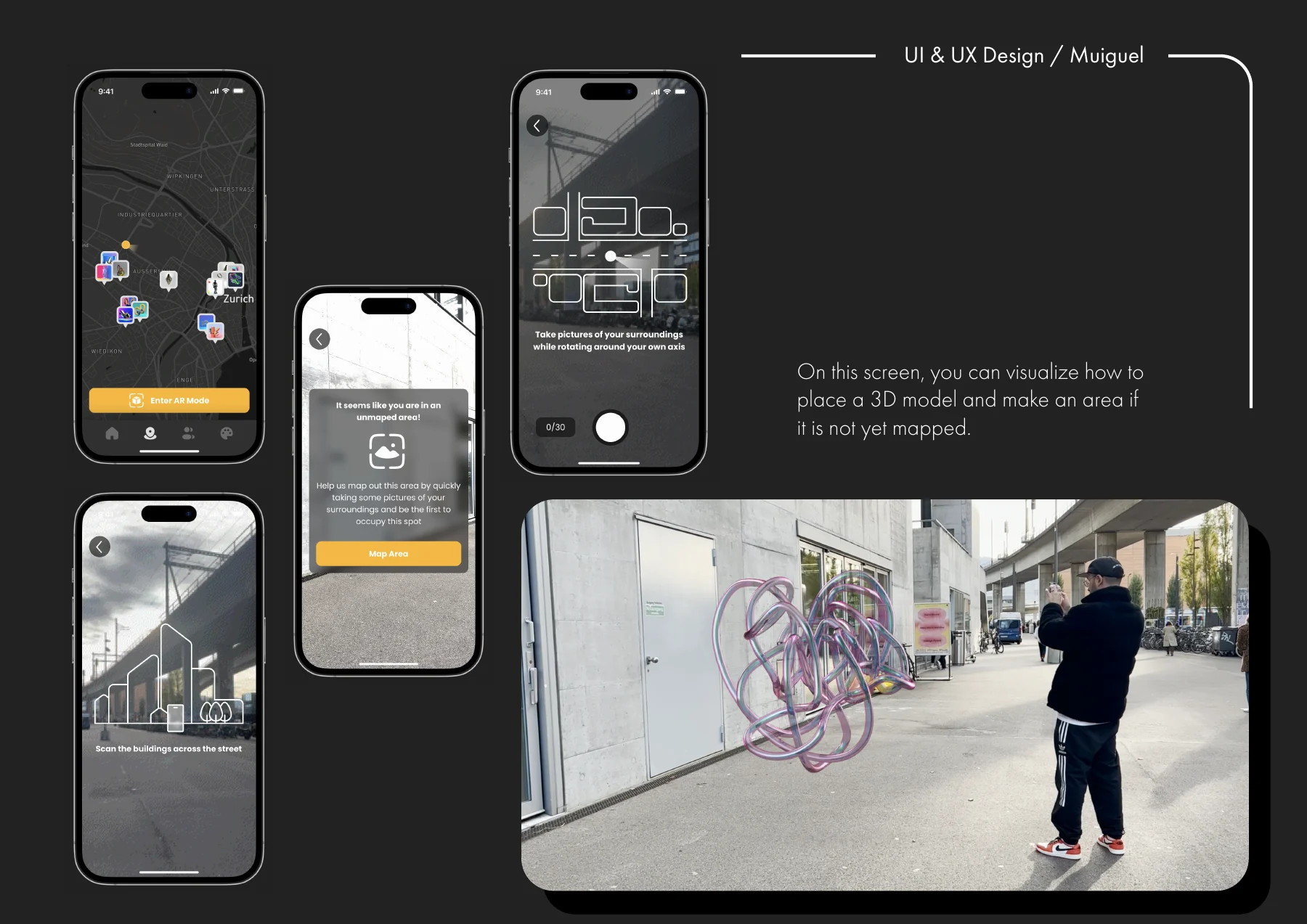
It guides users in discovering and claiming virtual territories in real-world settings. Users explore a city map, spot artworks, and claim unoccupied areas with step-by-step prompts for mapping and art placement.
Step 1 / 7 Map
Game Mechanics & Reward System
Users can place their digital art in real-world locations and defend them from being crossed out by others. The reward system is based on respect points, gained through successful defense of artworks and other creative activities.
Crossing & Defending
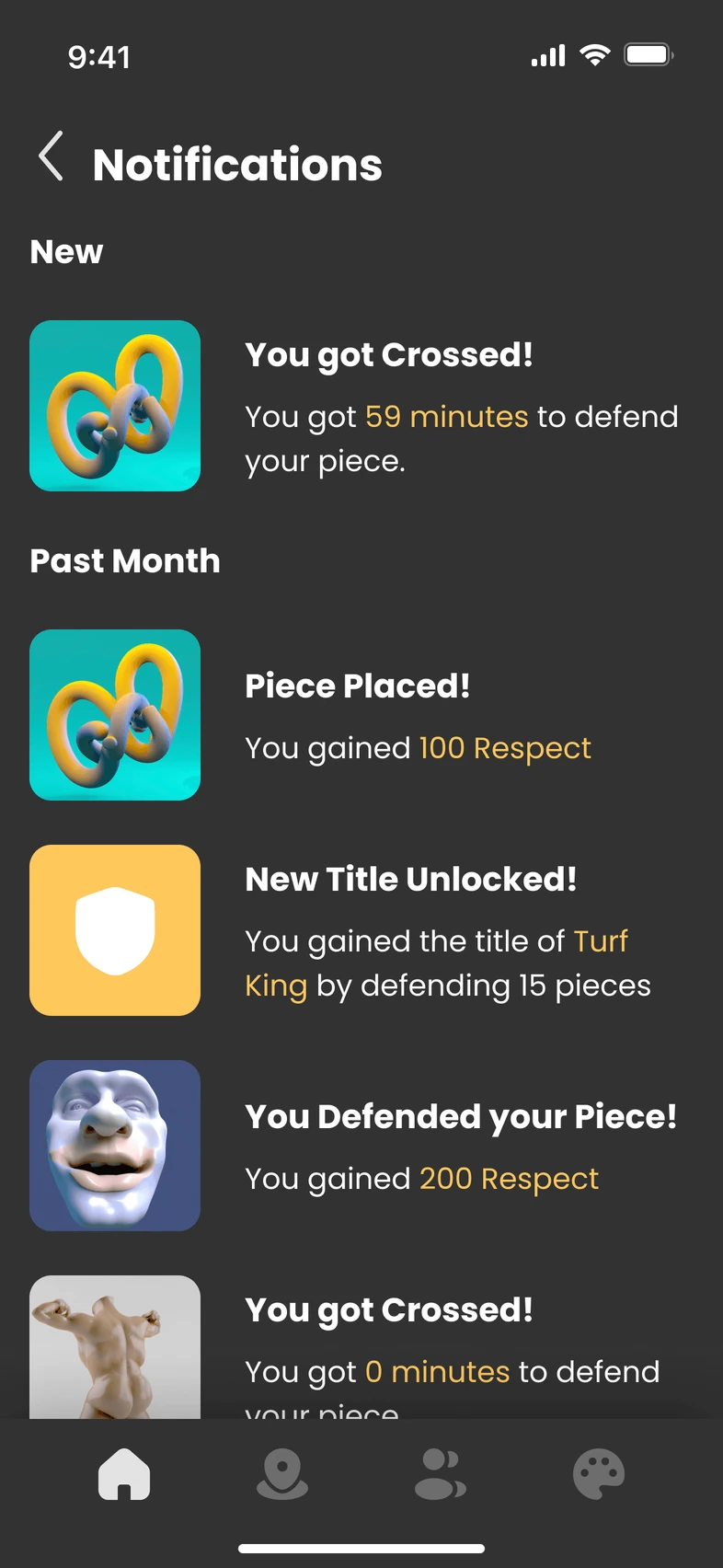
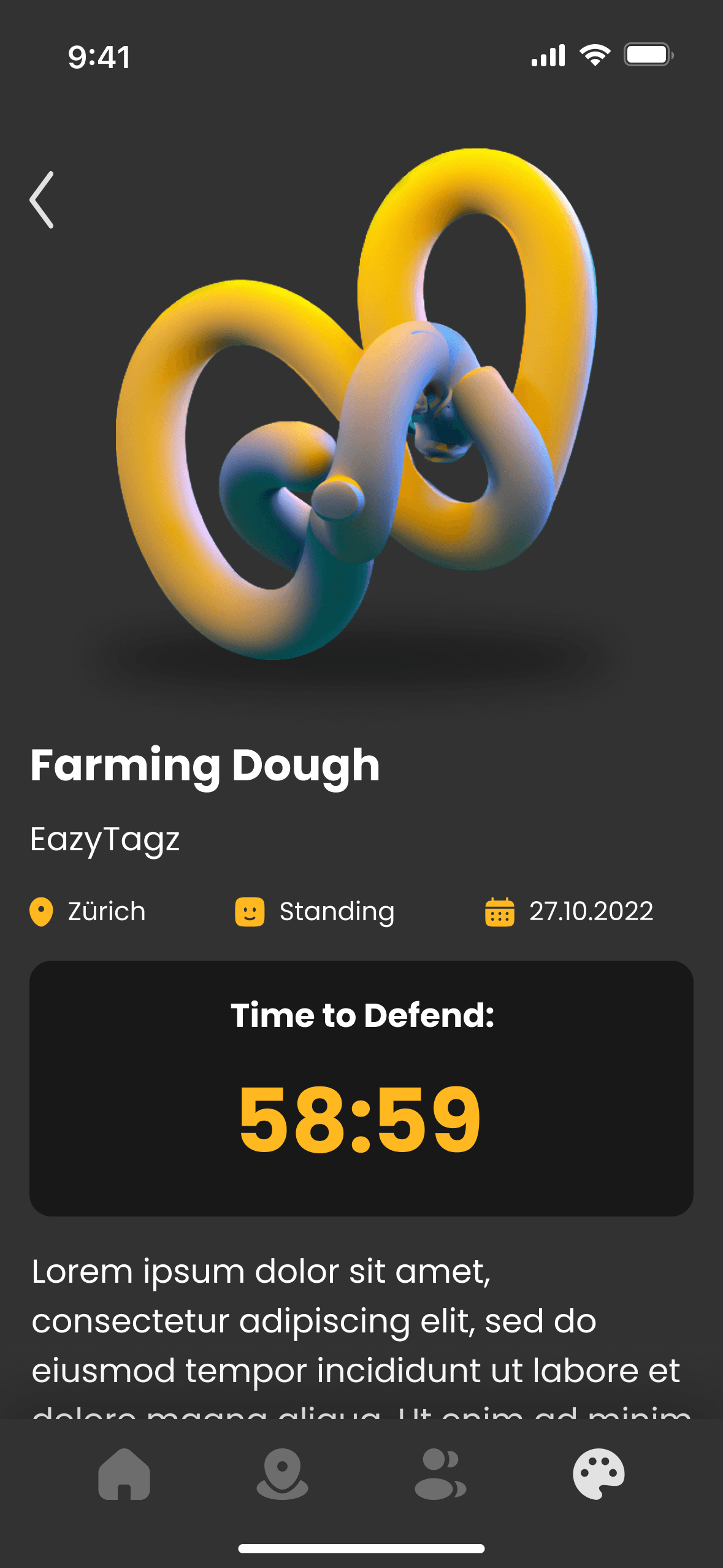
After 24 hours have passed, other users are able to cross out placed art pieces. The user is notified and given a one-hour period to defend their piece. Once they arrive at the piece's location on the map, they can defend it.
Visible_documentation.pdf, page 2
Defend Count Down
Time allotted for the user to reach and defend their artwork before it gets crossed out: 1 hour.
Hololens 2 App
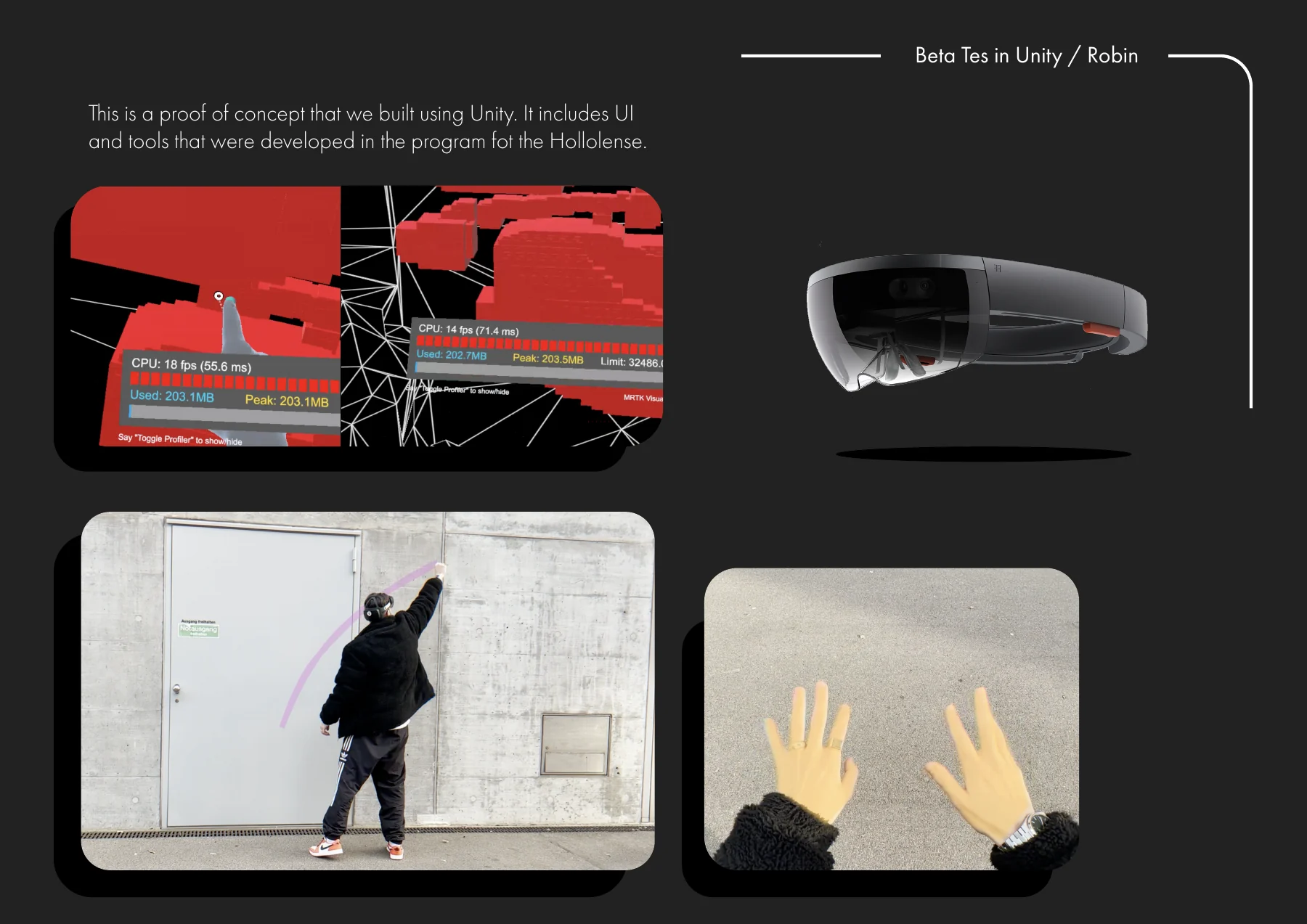
Under the guidance of MTC, we developed an application using Unity's Hololens 2 software development kit (SDK) for our project, Visible. In just two weeks, we crafted a beta hands-free interface that allowed users to switch between their left and right hands for drawing.
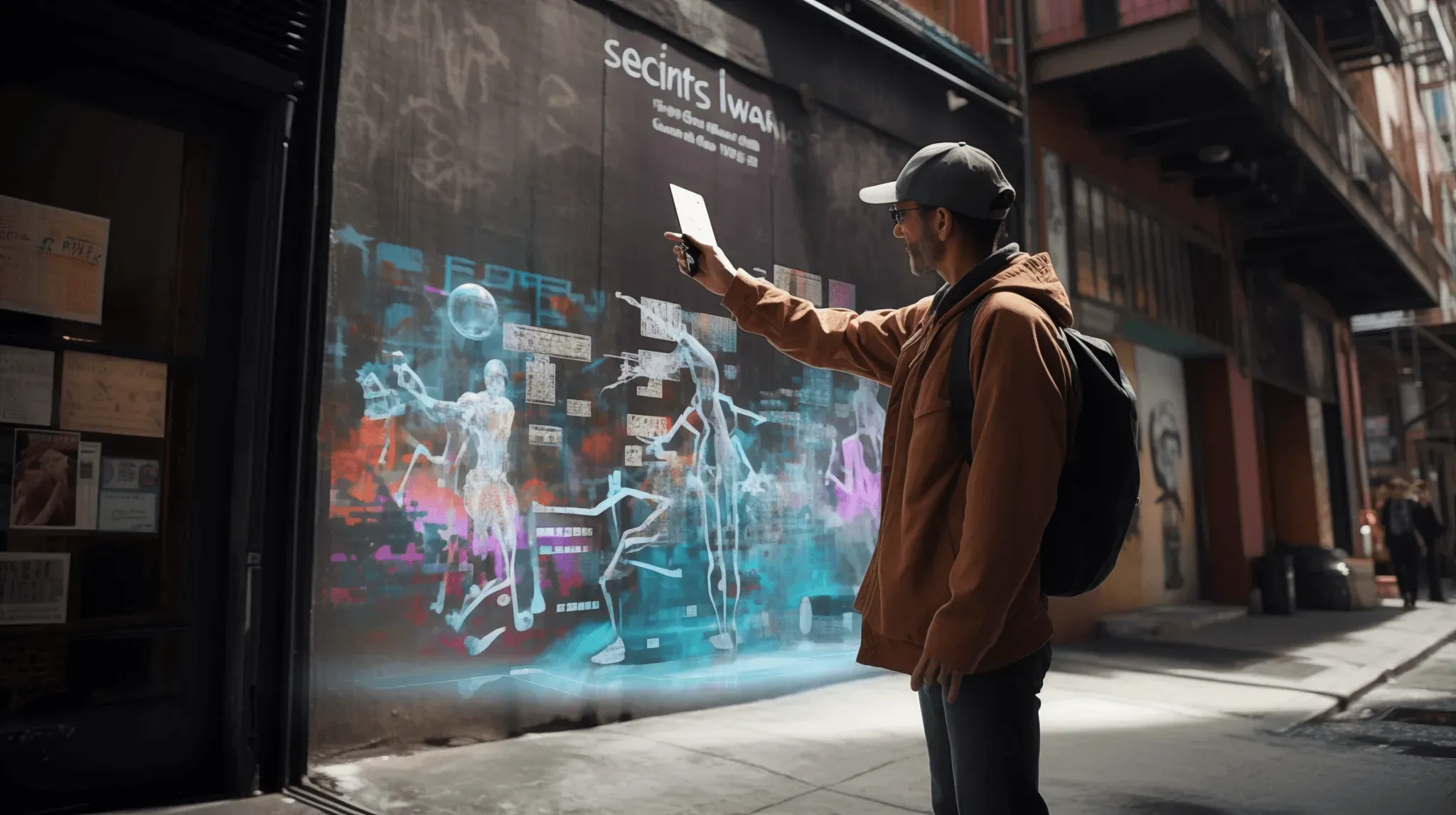
Compete for territory, cross out rivals, and defend your art in a dynamic city-wide canvas, viewable by anyone, even the world!
The full process

Visible, an AR app for street artists, empowers users to place and create art pieces, compete over territory, and engage in dynamic interactions. The app showcases a gallery for art collection and an AR mode for placing imported pieces and creating new ones using AR glasses. Art pieces can be crossed out by others after 24 hours, triggering a 1-hour defense period
- Project Type
- UX & UIAR Smartphone AppAR Hololens 2 AppA Unity Game
- Duration
- 2 weeks
- Skills
- Visual Identity DesignDesign LibraryInformation ArchitectureUsability TestingUser Interface DesignProject ManagementUnity Dev. with SDKFilming, Directing / Editing
- Team
- Kaitlynn A. HawrankeMiguel Seabra Robin Good
- Collaboration
- ZHdK UniversityETHZ UniversityMicrosoft TechnologyCenter in Zürich
Microsoft Technology Center in Zürich
My Role
- Product Research
- Concept Development
- UI & UX Design
- Ideating Design
- Prototyping
- Branding Design
- Project Management
Worked on the design and development of “Visible” from concept to execution, optimizing user experience for mobile and AR platforms. Collaborated on user research, refined UI/UX, built high-fidelity prototypes, and worked with developers to integrate interactive AR features, balancing creative freedom with intuitive gameplay.
Main Challenge
The main challenge for “Visible” was developing an AR platform that lets street artists express themselves digitally and compete for territory. The app needed to merge digital and physical spaces, with a user-friendly interface for smartphones and AR glasses, balancing creativity, usability, and competitive gameplay.
Users
Our users are street artists and digital creators who thrive on creativity, competition, and community. They seek platforms to showcase art, connect with peers, and explore AR technology. These tech-savvy users value spaces where their art can interact with the real world, claim virtual territories, and leave a lasting digital mark.
The Big Idea
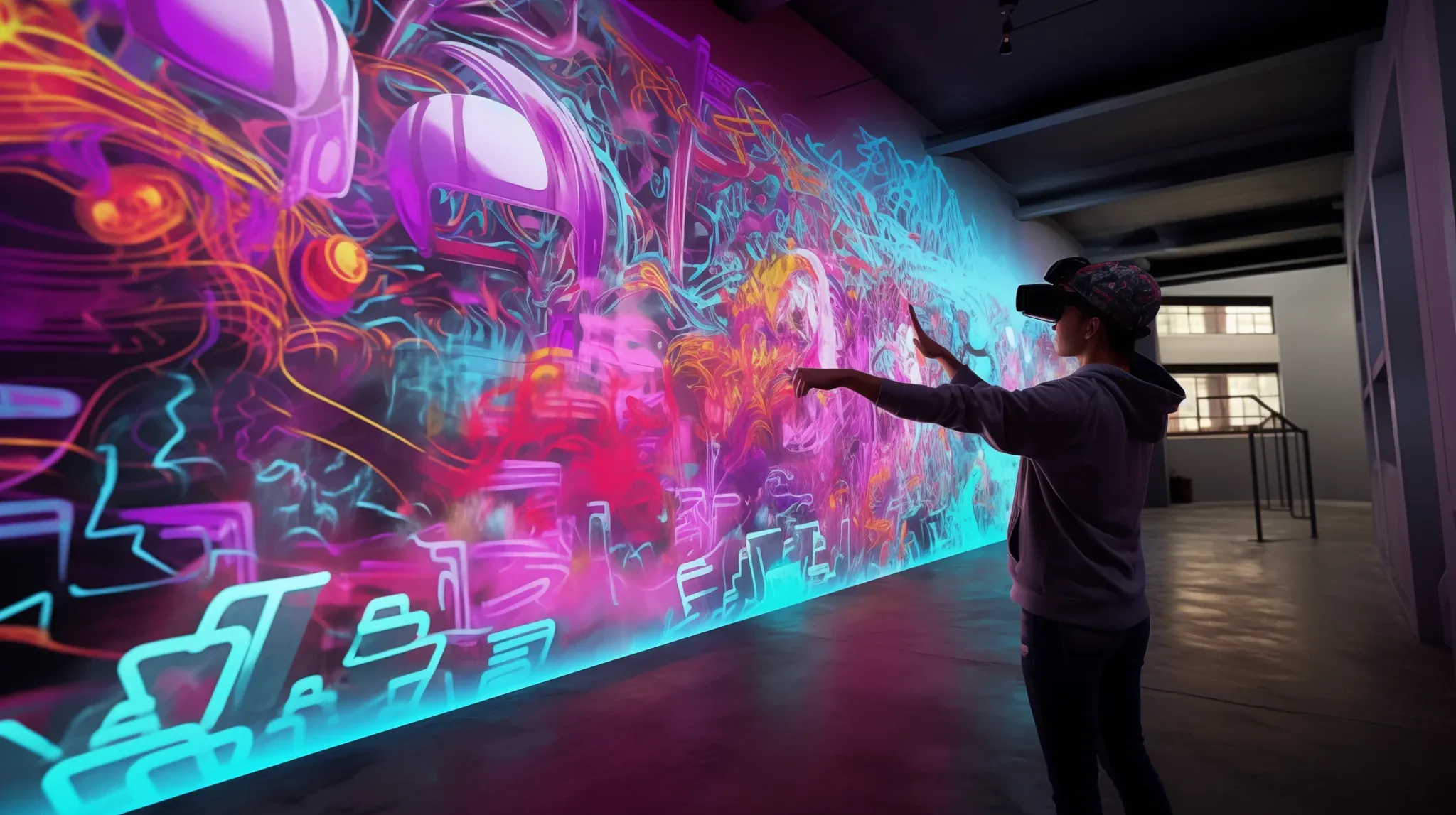
Visible is an augmented reality app designed specifically for street artists. The app allows users to place their own art pieces, compete for territory, cross out rivals' art, and defend their own pieces. Upon opening the app, the home screen is displayed. By clicking on the gallery, users can access their collection, with spottings on the left and their own art pieces on the right. Clicking on individual pieces provides a detailed overview and the option to view the piece in augmented reality. To enter AR mode, users are prompted to scan their environment. If the area is unmapped, they are asked to take pictures of their surroundings, which are automatically uploaded to the app's database. Once the area is mapped, users can place their imported art pieces in augmented reality for others to see. Those in possession of AR glasses are also able to create art on the spot, with their left hand functioning as a menu indicator and their right used to create. After 24 hours have passed, other users are able to cross out placed art pieces. The user is notified and given a one-hour period to defend their piece. Once they arrive at the piece's location on the map, they can defend it.
Visible_documentation.pdf, page 2
What we deliver:
- AR App for the Hololens 2 and Smart Phone application
- develop the technology for the application on Unity
- promotional video
Our research for “Visible” blended user insights with field studies to develop an AR platform that redefines urban art. We focused on merging digital creativity with real-world spaces, creating an app that resonates with street artists’ competitive spirit.
Market and Competitive Analysis
Identified gaps in current AR and digital art platforms for immersive interaction and social engagement. This insight inspired the creation of “Visible,” merging art, competition, and community by allowing artists to place and defend virtual art in real-world spaces.
Understanding User Needs
Our research included over 25 interviews and surveys with street artists, graffiti enthusiasts, and digital creators, uncovering key user needs and pain points:
• Precise AR Art Placement: Users want tools that allow them to accurately place and showcase their art in real-world settings.
• Competitive Gameplay: There is a strong interest in gamified elements, like defending and claiming virtual territories.
• Community and Engagement: A space where artists can comment, like, and build a community around their creations.
These insights shaped the development of “Visible,” ensuring that the app caters to both novice and experienced users who value creativity, competition, and community.
Key Findings
• Gamification Elements: A desire for game-like experiences that blend creativity and competitive engagement.
• User-Friendly UI: The need for a simple, intuitive interface that facilitates seamless navigation for all users.
• Community Features: A demand for features that promote collaboration, feedback, and community building.
Defining User Profiles
Persona
Developed a detailed user persona that shaped the app’s UI/UX design, ensuring a tailored and engaging user experience.
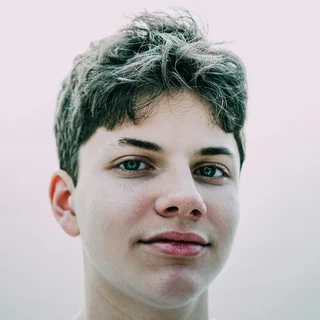
Miles Jackson
- Age
12-year-old
- Education
6th Grade
- Location
New York
- Tech Literate
High
- Mention
"I’m all about turning blank walls into something amazing. Whether it’s sketching up some graffiti or exploring new spots with my friends, I’m always creating. Mixing that with tech would be next-level, and the chance to do it together would be unreal."
- Personality
Tech-savy, Extrovert, Artist, loves spending time with his friends
- Bio
Miles is an artist from New York who’s passionate about graffiti and abstract art. He loves combining his creativity with cool tech, whether he’s exploring the city with friends or working on his next big idea. Always eager to push the limits, Miles is constantly looking for new ways to create something awesome and collaborate with others.
- Core Needs
Creative Freedom: Wants to express himself through graffiti and abstract art.
Collaborative Platform: Desires a tech-driven space to create and connect with friends.
Pushing Boundaries: Aims to explore new possibilities in art with a like-minded community.
- Frustrations
Limited opportunities to collaborate with others on graffiti projects.
Difficulty finding a platform that combines art and technology seamlessly.
Lack of tools that allow for easy sharing and showcasing of his creations with friends.
Technology Exploration
Researched AR frameworks like Immersal to learn about precise scene detection, cross-platform compatibility, and powerful creation tools, solidifying its position in urban art and AR gameplay.
• Open-Source AR SDKs: Leveraged tools from leading platforms to integrate advanced AR functionalities.
• Scenery Detection and Mapping: Developed technology for accurate virtual art placement in varied environments.
• Cross-Platform Capabilities: Built features that support both smartphone and AR glasses to enhance accessibility and user experience.
Field Research and Direct Feedback
Immersed ourselves in the street art scene by attending events, joining workshops, and testing prototypes with real users. This approach helped us fine-tune features like AR art placement, interactive navigation, and competitive elements to better meet user needs and expectations.
• Prototyping & Testing: Conducted iterative user tests in real-world settings to optimize the AR experience and gameplay mechanics.
• User Feedback Integration: Adjusted design elements based on direct feedback to improve usability and engagement.
- Information Architecture
- User Flow
- Game Mechanics & Reward System
- Visual Identity
Focused on creating an immersive AR experience for both smartphones and HoloLens 2. We combined thorough UX research, concept ideation, and prototype testing with design and functionality refinements to deliver a seamless user experience across platforms.
What is Visible?
Visible is an AR social gaming app that lets street artists create and place graffiti in real-world locations. Compete for territory, cross out rivals, and defend your art in a dynamic city-wide canvas, viewable by anyone, even the world!
How it works
In Visible it’s all about respect and territory. Gain respect by scaning new areas and placing pieces all around your city for others to see.
Dont worry if a spot is already occupied, because you’re able to cross your rivals pieces, but be strategic about it because they will also be able to defend against your crossing.
How to Placing Pieces
If the area you want to place your piece is new to our system you will have to map it out by easly making some pictures.
The upside of mapping new areas is that you will be the first to occupy that spot.
Every placing of a piece earns you 100 respect. Additionaly you will receive respect daily depending on how popular the spot is.
Crossing & Defending
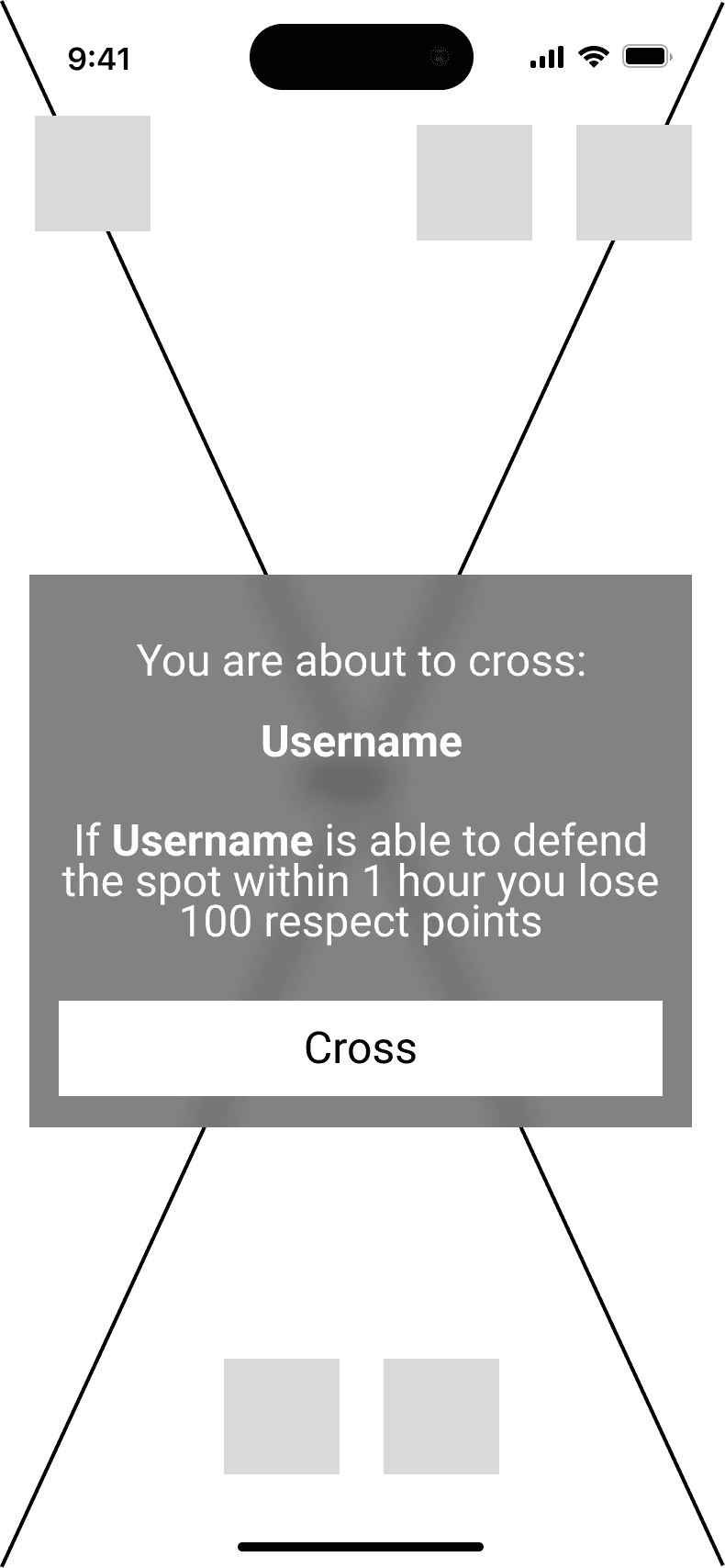
If a spot is already occupied and the piece has been there for at least 24 Hours, you will be able to cross it by replacing it with a piece of your own, gaining you 50 respect But be carefull. The crossed artist will be notified of your crossing and will be able to defend against your crossing within 1 hour by going to the spot. Doing this will give the defendant 200 respect while the crosser looses 100 respect
How Spoting works
Even if you aren’t interessted in the competition, you will be still able to participate in Visible by spoting pieces and collecting them.
New spotings will earn you 5 respect.
Start the Game!
Let’s Go!
App User Flow Sketch
Information Architecture
The app’s architecture ensures a simple, accessible user flow. Features like digital artwork placement, territory claiming, and community engagement are easy to navigate. A streamlined onboarding process and optimized AR exploration keep the focus on creativity and interaction.
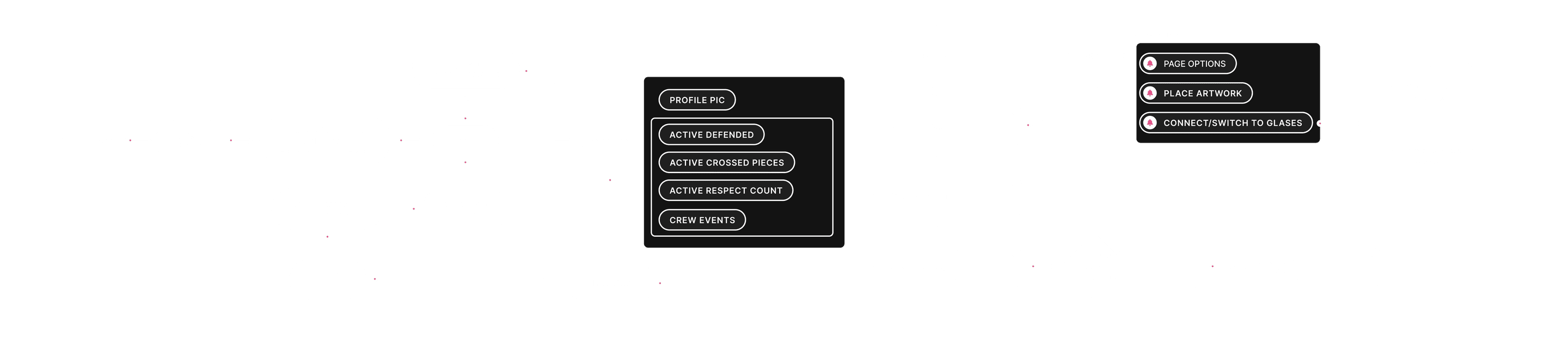
Game Mechanics & Reward System
The core of “Visible” revolves around dynamic gameplay that encourages creativity and competition. Users can place their digital art in real-world locations and defend them from being crossed out by others. The reward system is based on respect points, gained through successful defense of artworks and other creative activities. This gamified approach adds a layer of strategy and excitement, motivating users to explore, create, and compete.
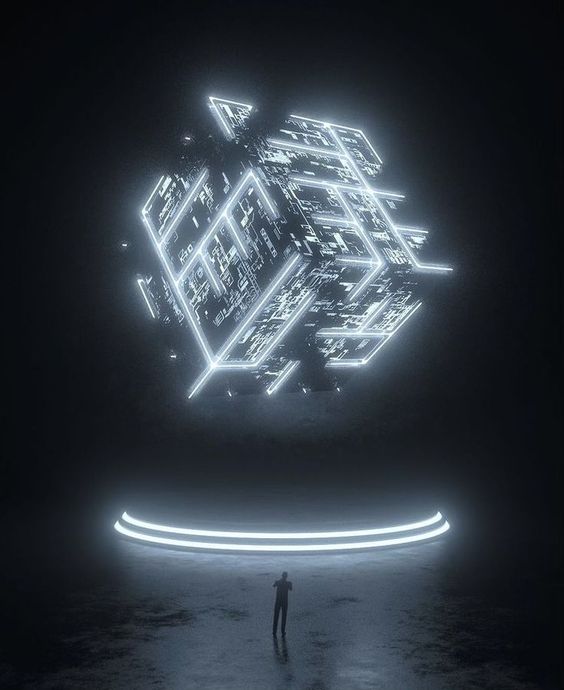
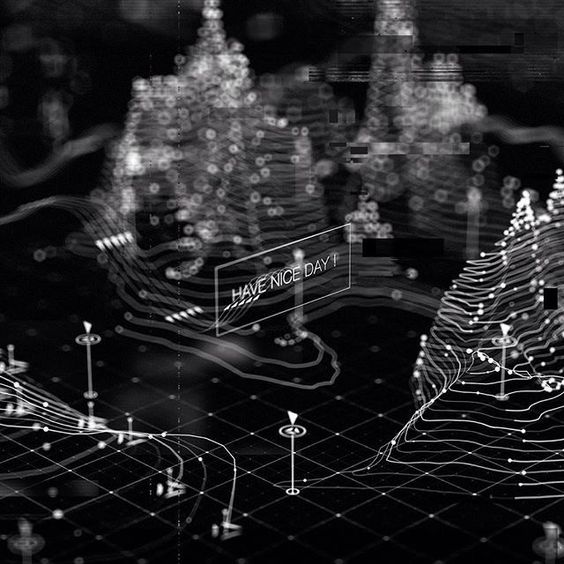
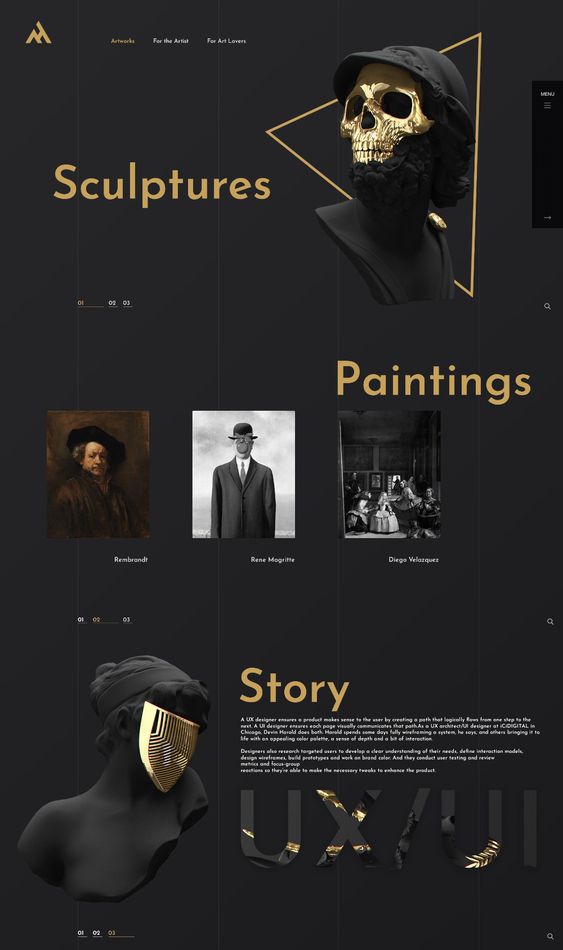
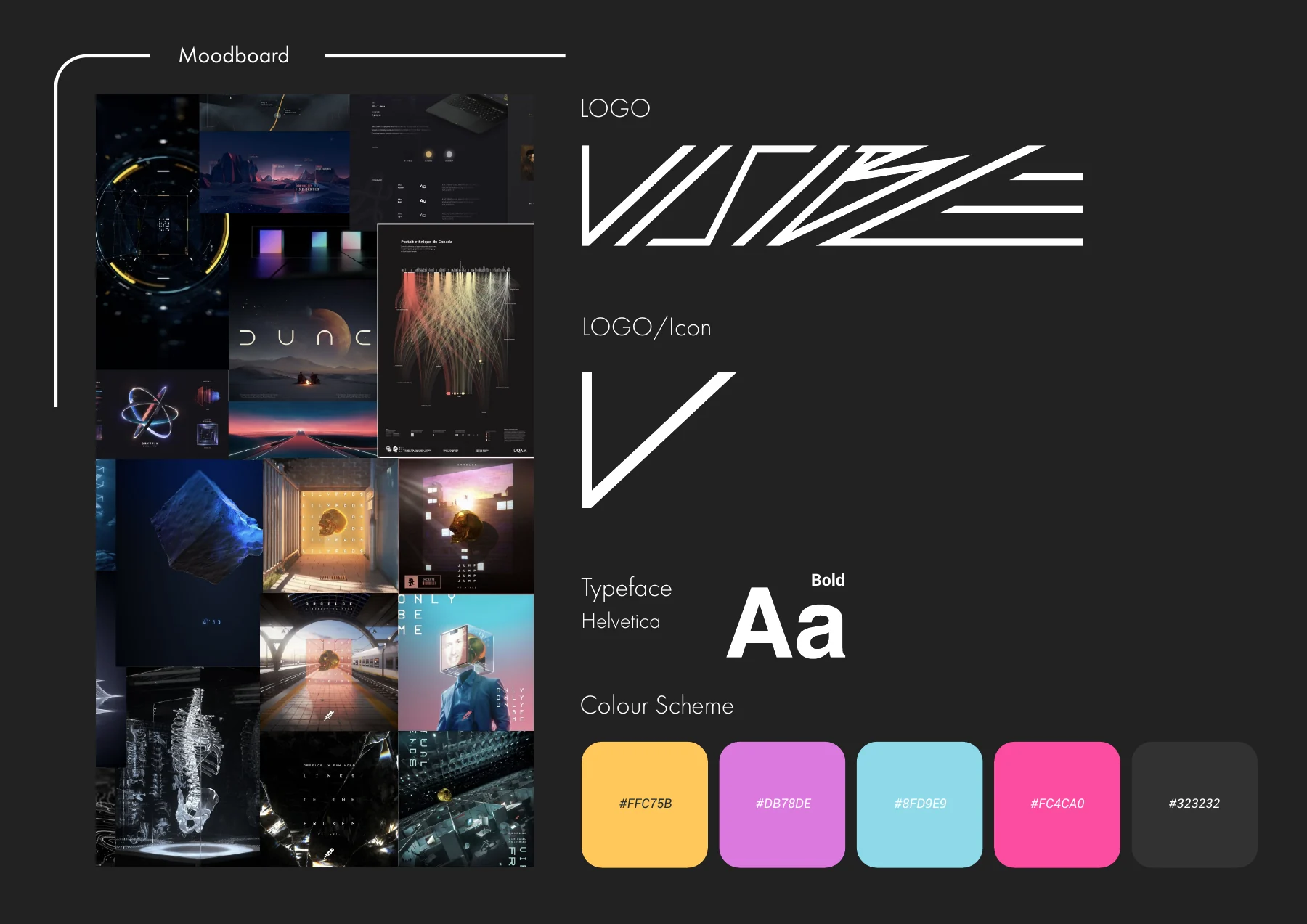
Moodboard
visual identity merges street art, cyberpunk, and digital graffiti. Bold typography, glitch effects, neon accents, and clean, minimalist graphics create a modern, futuristic look that reflects the dynamic energy of urban art.

- Logo
- Colour Scheme
The branding for “Visible” blends sharp, angular typography inspired by street art with a sleek, modern look. The color palette mixes bold hues like pink, blue, and orange with neutral tones, creating a striking visual contrast suited for both digital and real-world settings.
Full LOGO
LOGO

LOGO/Icon

Typeface: Helvetica
- #FFFFFF
- #DB78DE
- #FC4DA0
- #8ED9E9
- #FEB71E
- #323232
App Design
System Design
The app design prioritizes user-centric navigation, making it easy to create, place, and defend digital artworks in real-world spaces. It enhances accessibility and creativity for seamless interaction between digital and physical environments.













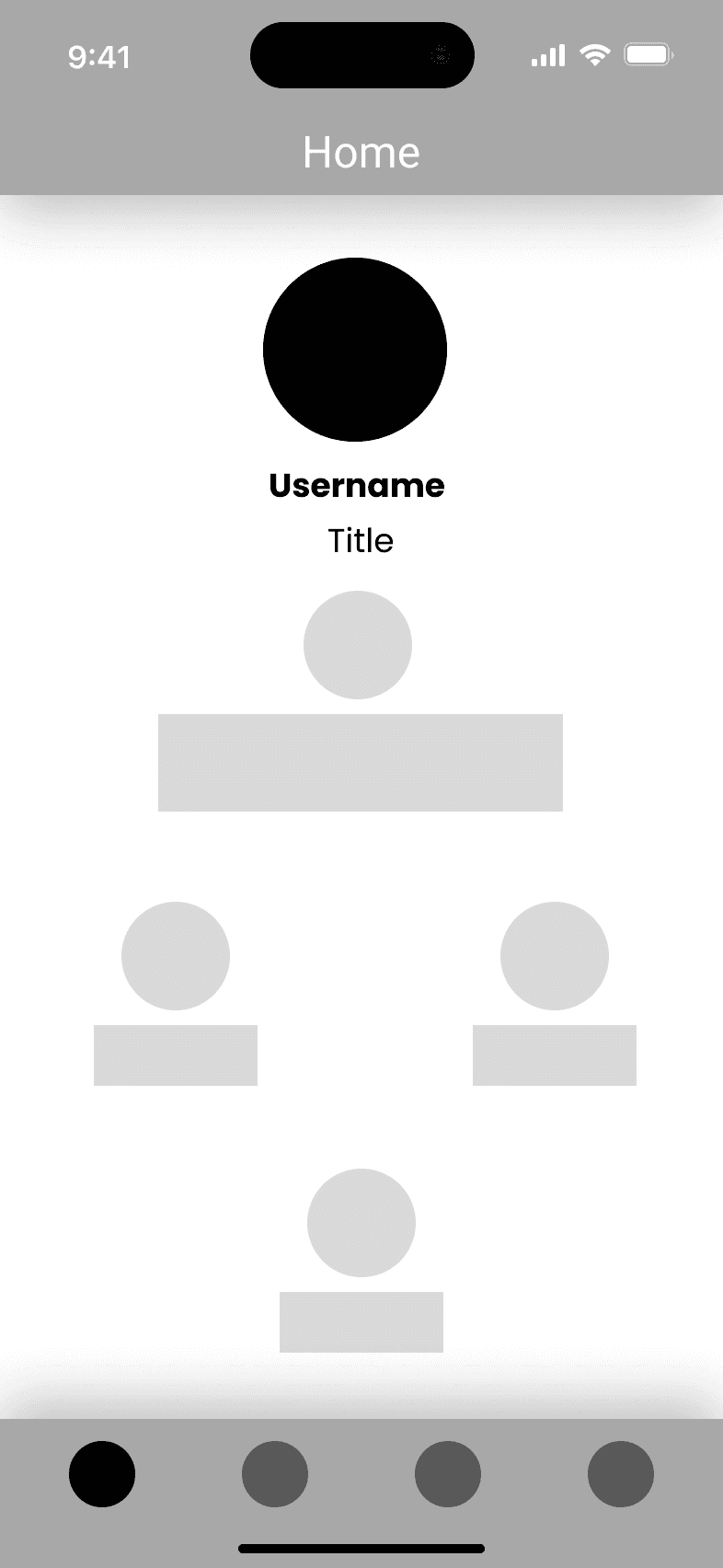
Wireframes
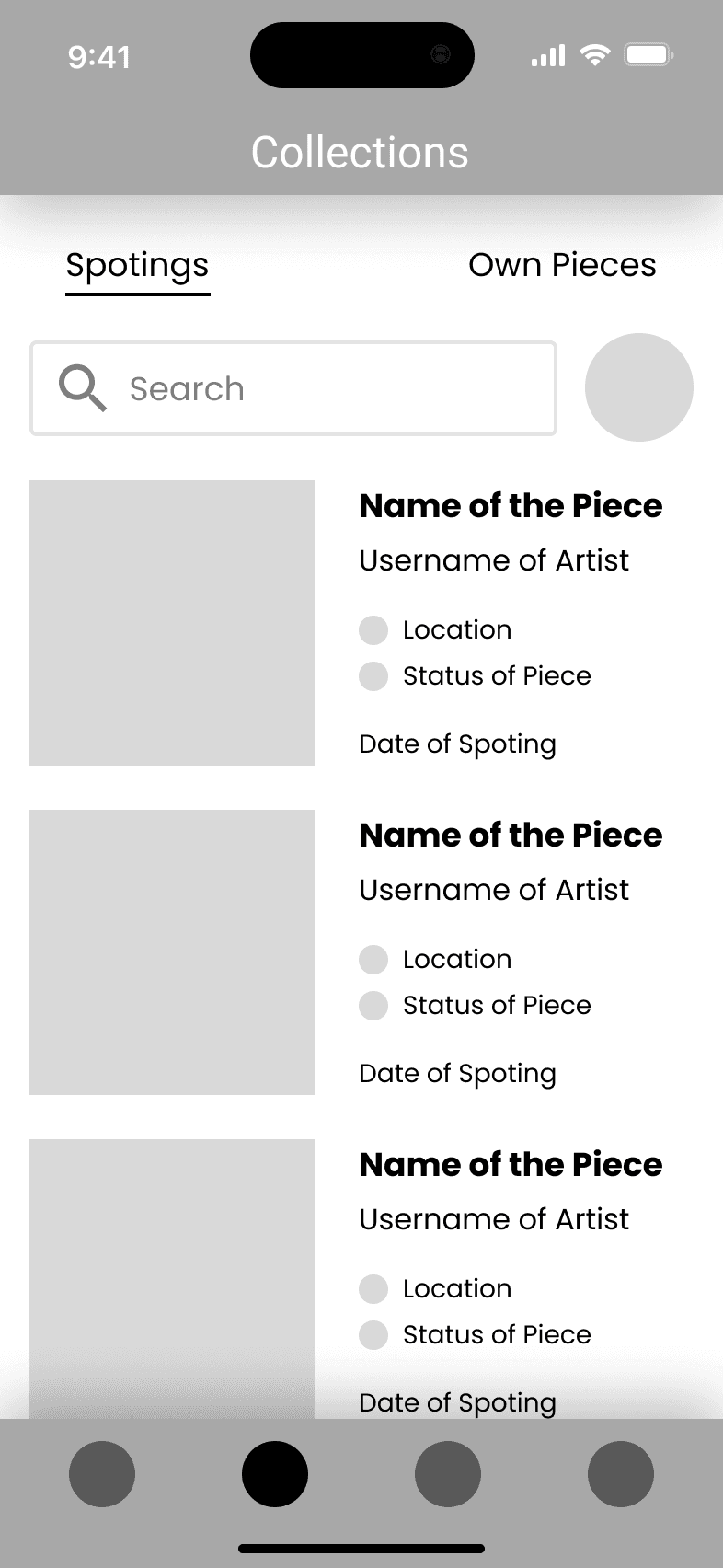
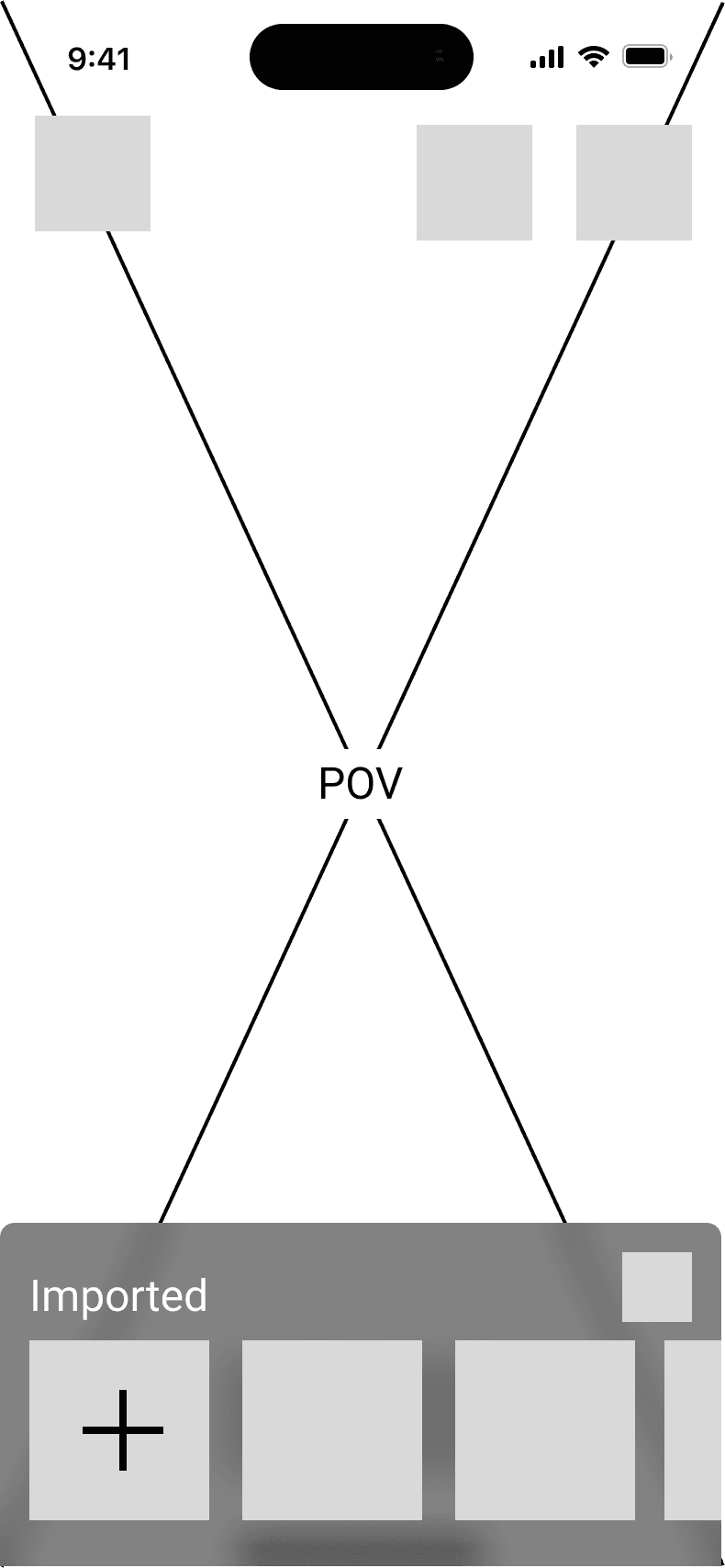
The wireframe assisted us in incorporating the interface into the design.
Assets
Some of the assets you see below have been desiguned using a minimilaistic and colour poping scheme.
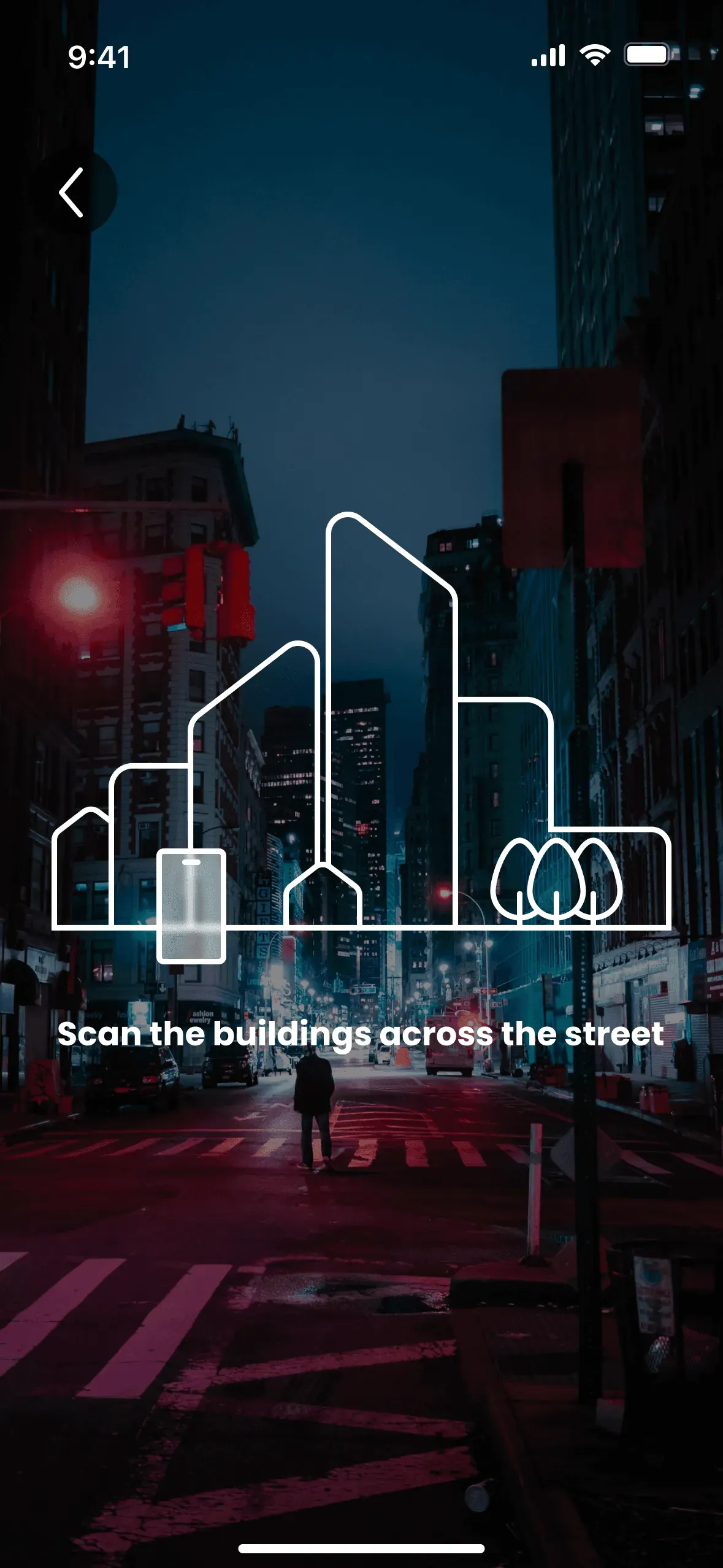
Survey Scan
This icon prompts the user to scan the buildings across the street.
Mapping Area
This icon prompts the user to capture their surroundings while rotating in place.
Icon Library
The icon design is playful, rounded, minimalistic icons for a friendly user experience.
Gallery Component
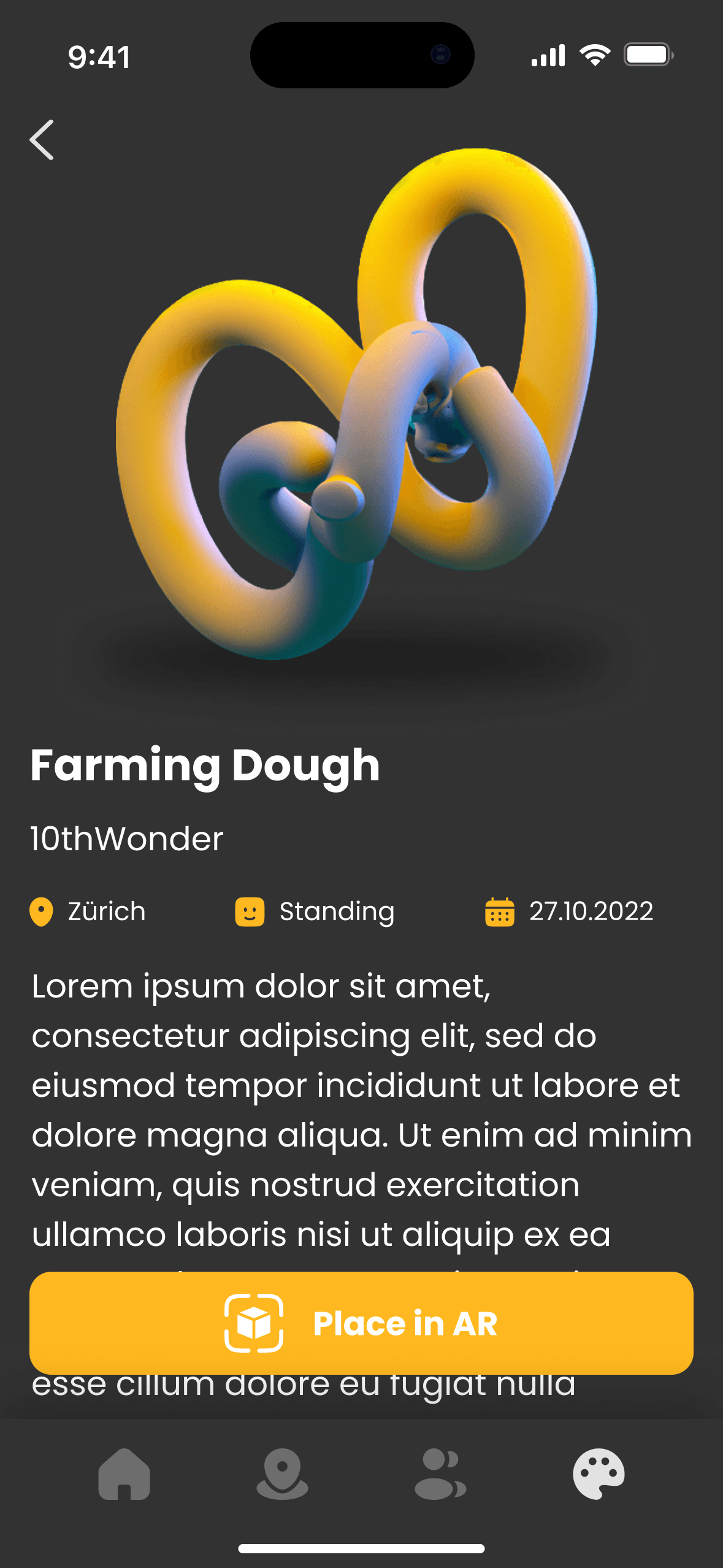
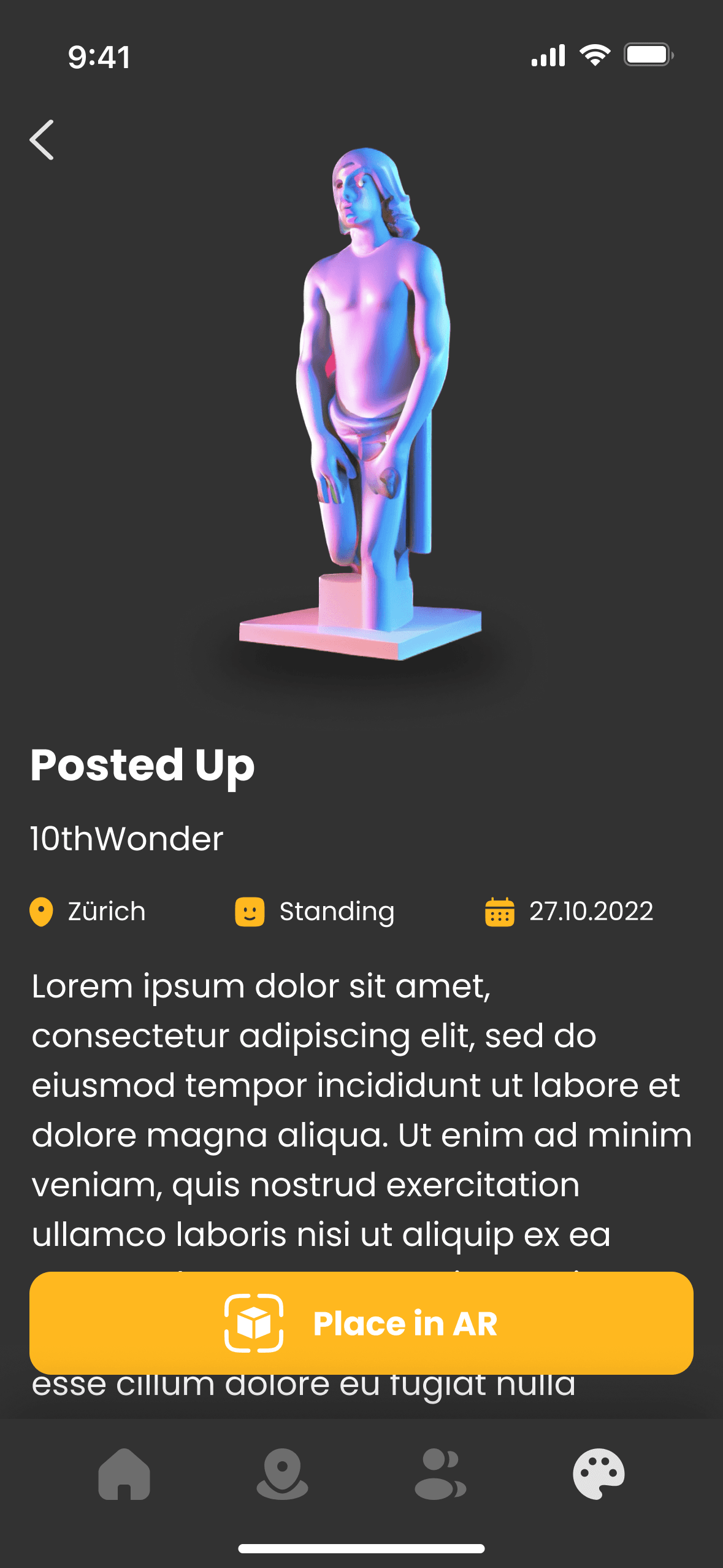
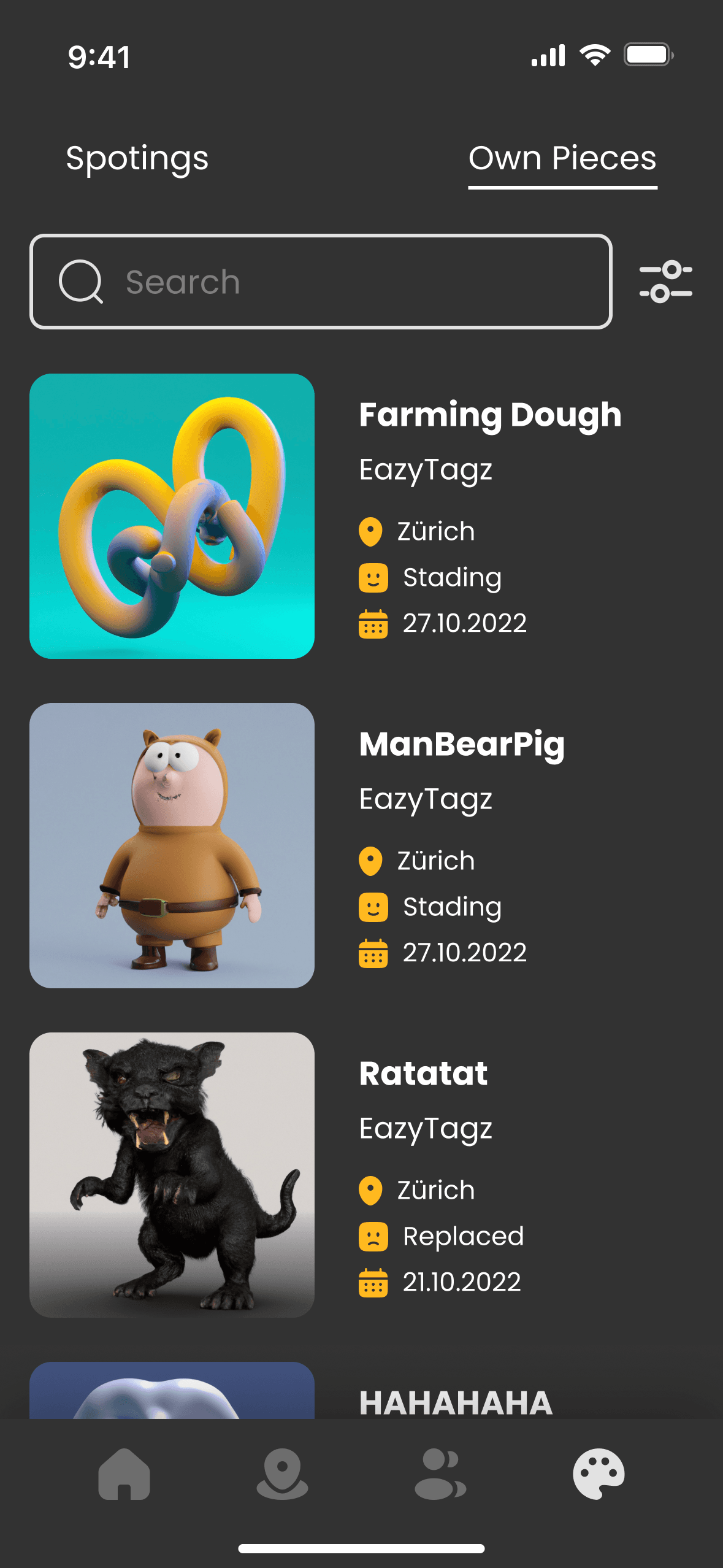
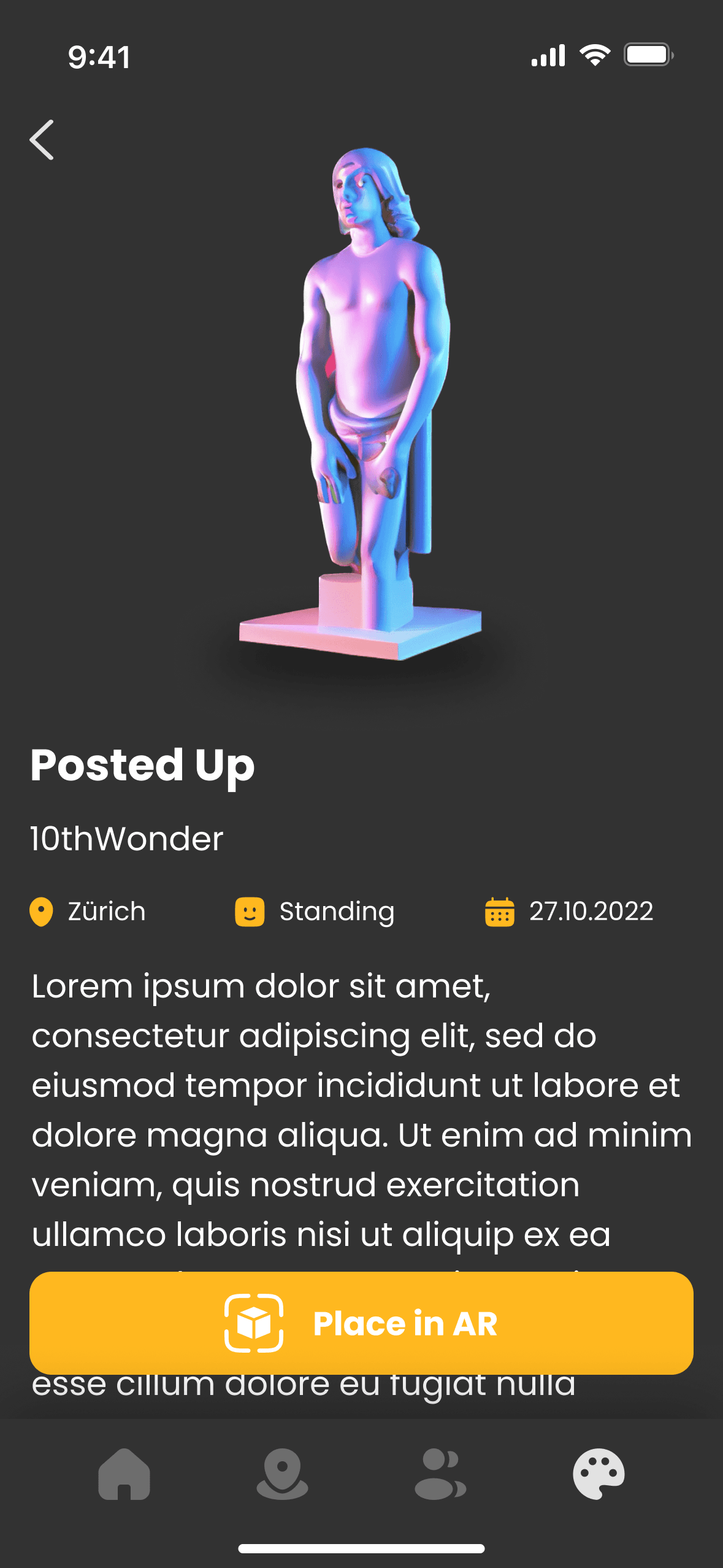
It’s designed to scale, and when selected, it displays the location, status, and date.
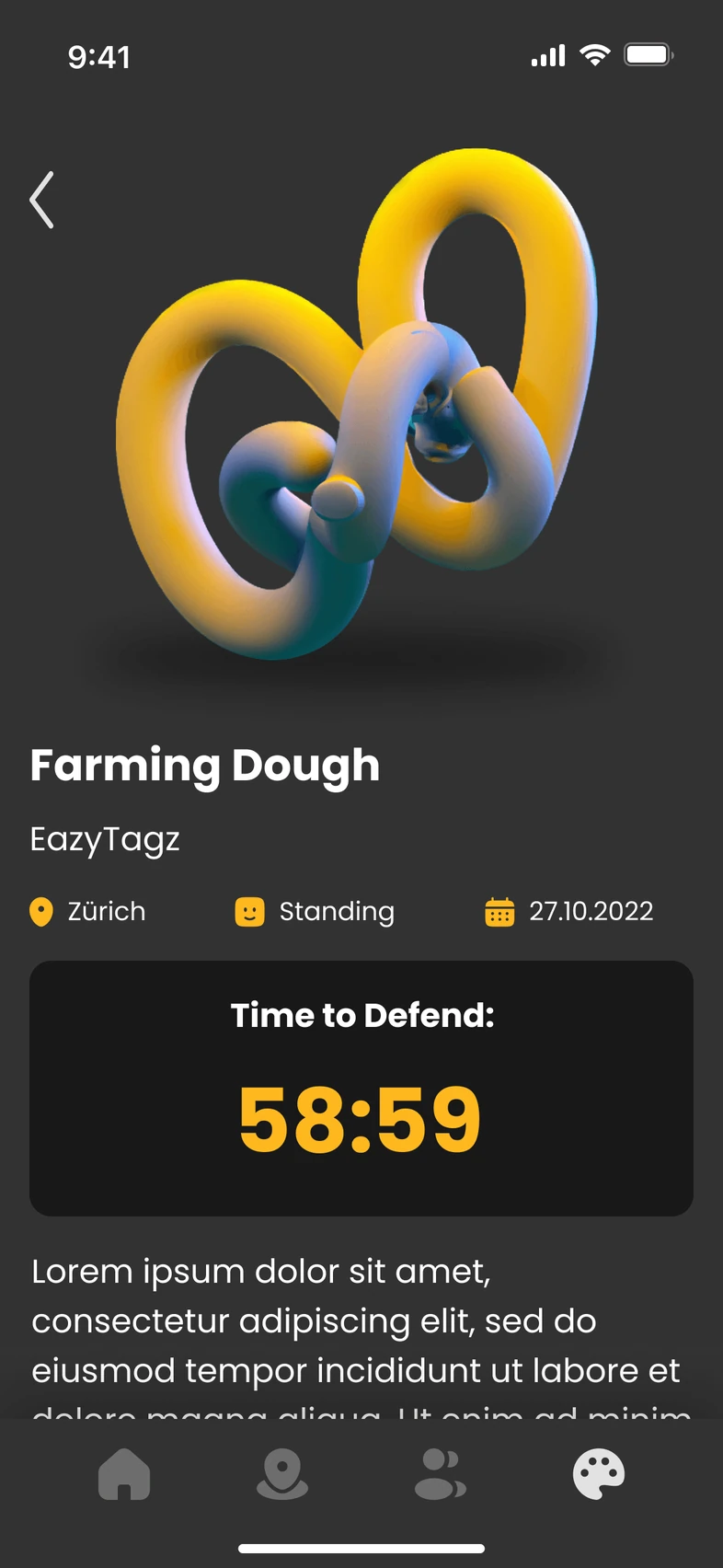
Defend Count Down
Time allotted for the user to reach and defend their artwork before it gets crossed out: 1 hour.
Time to Defend:
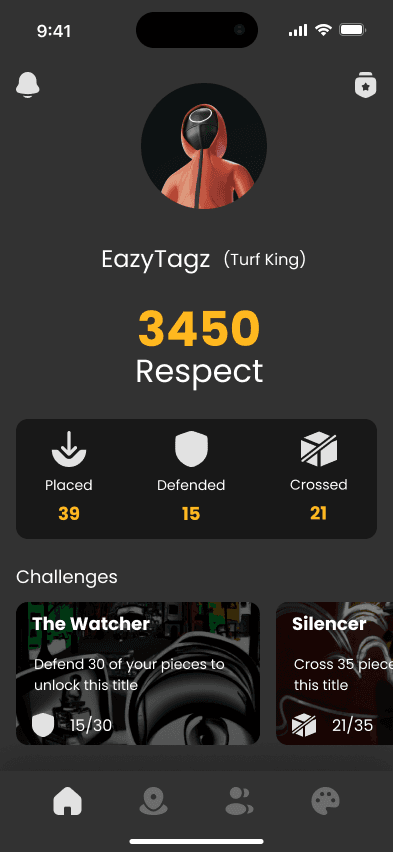
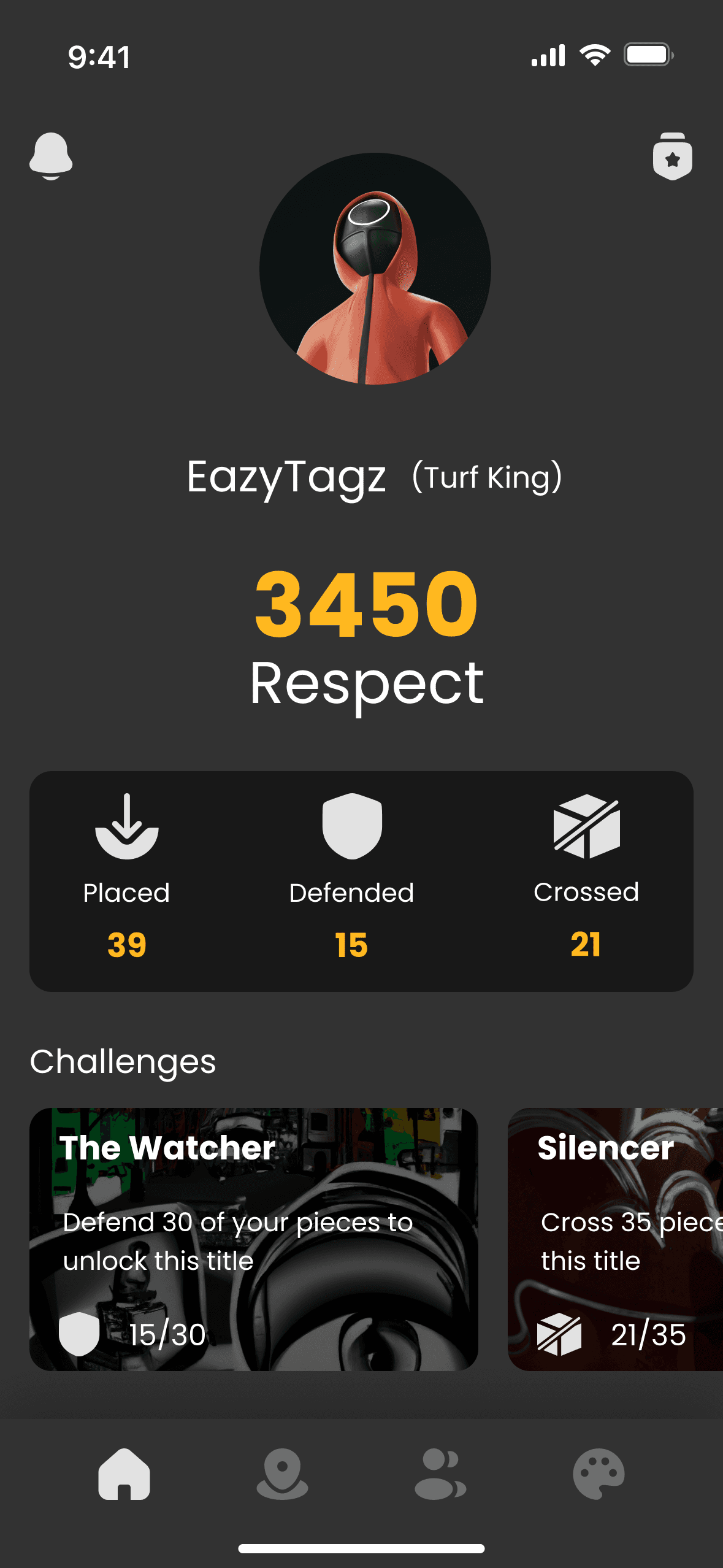
Home Screens
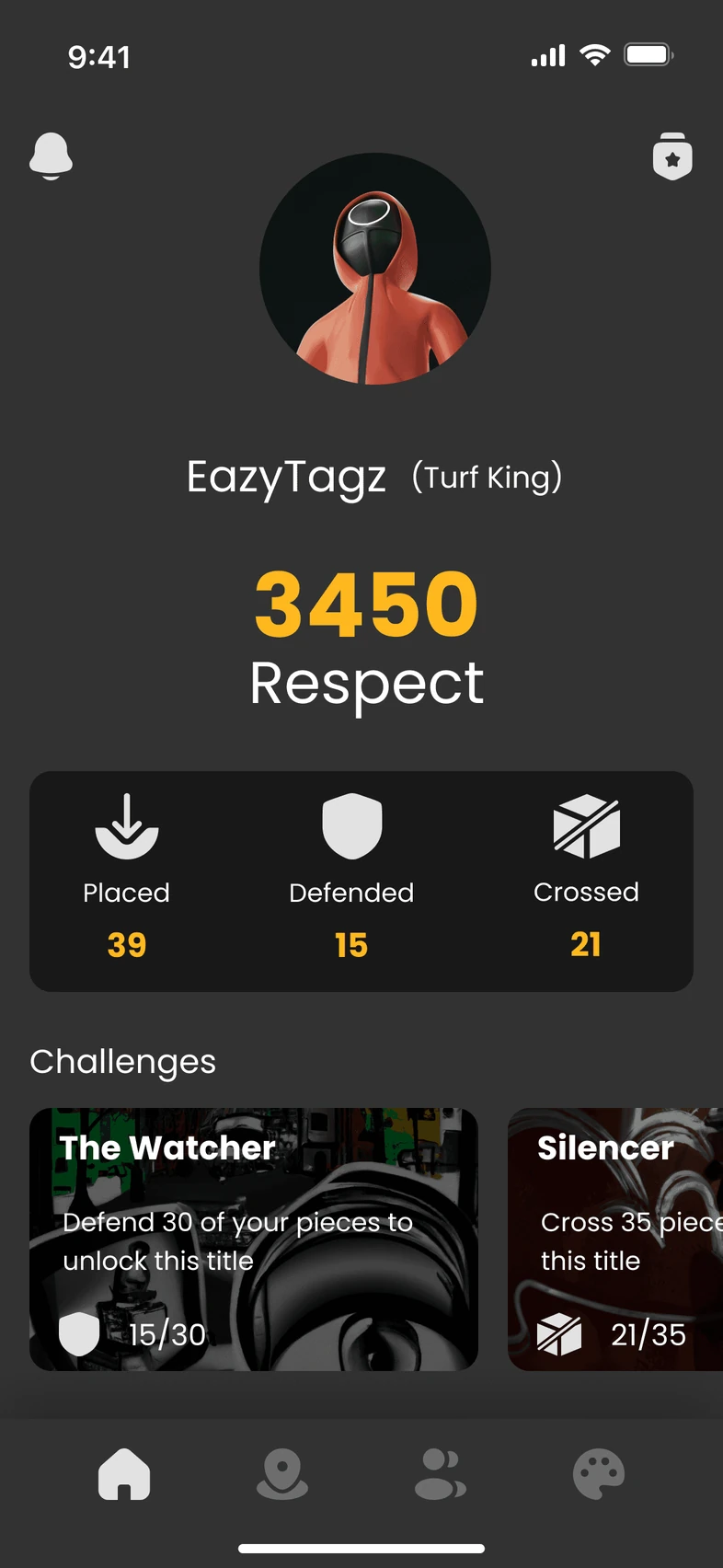
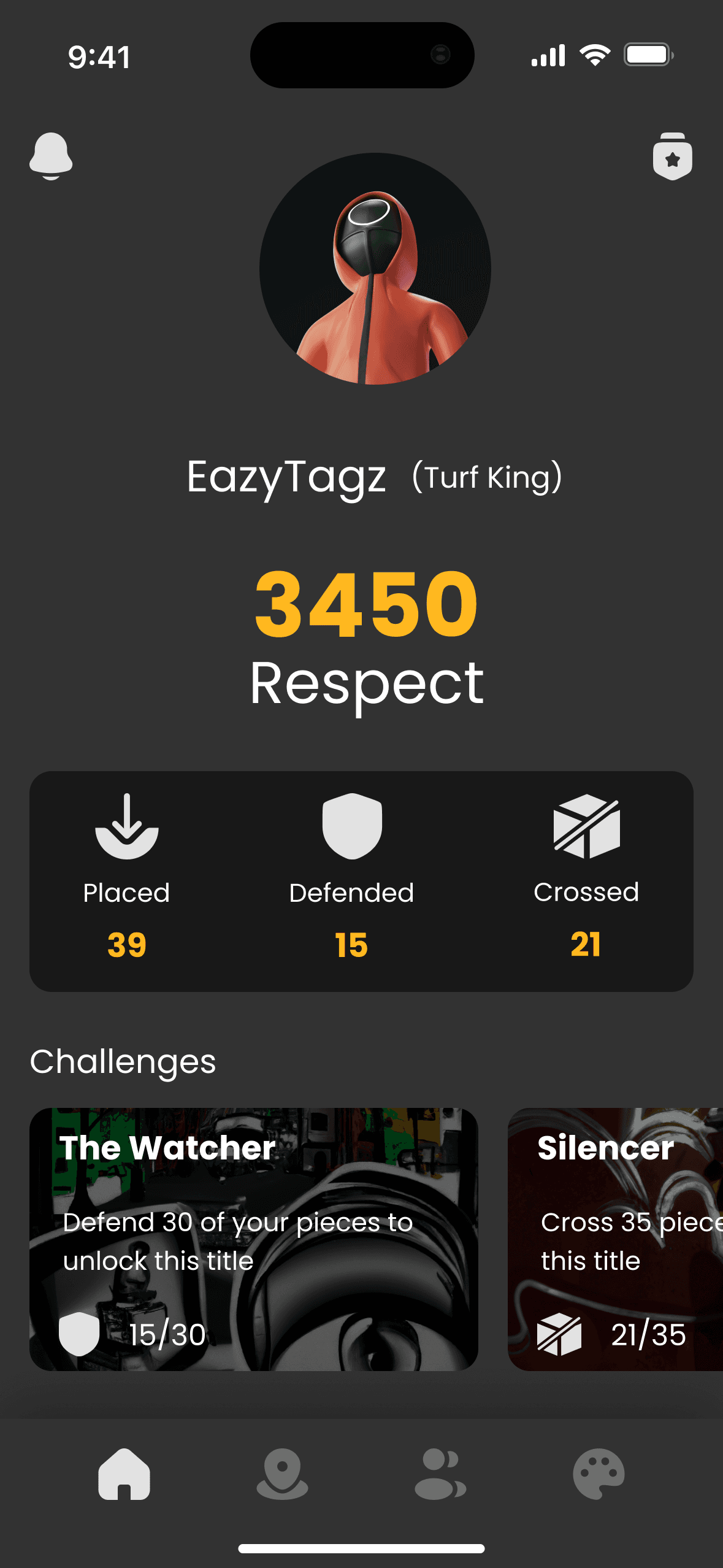
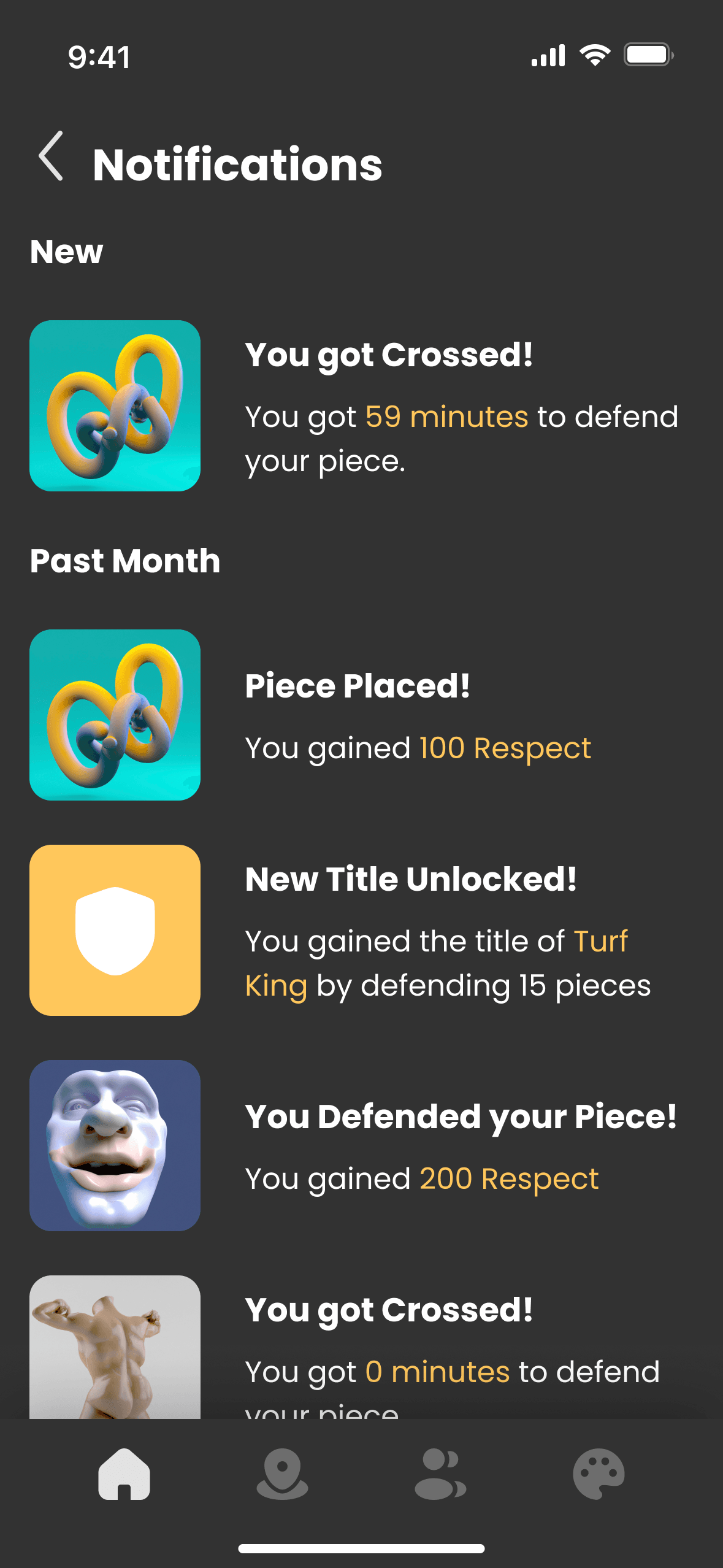
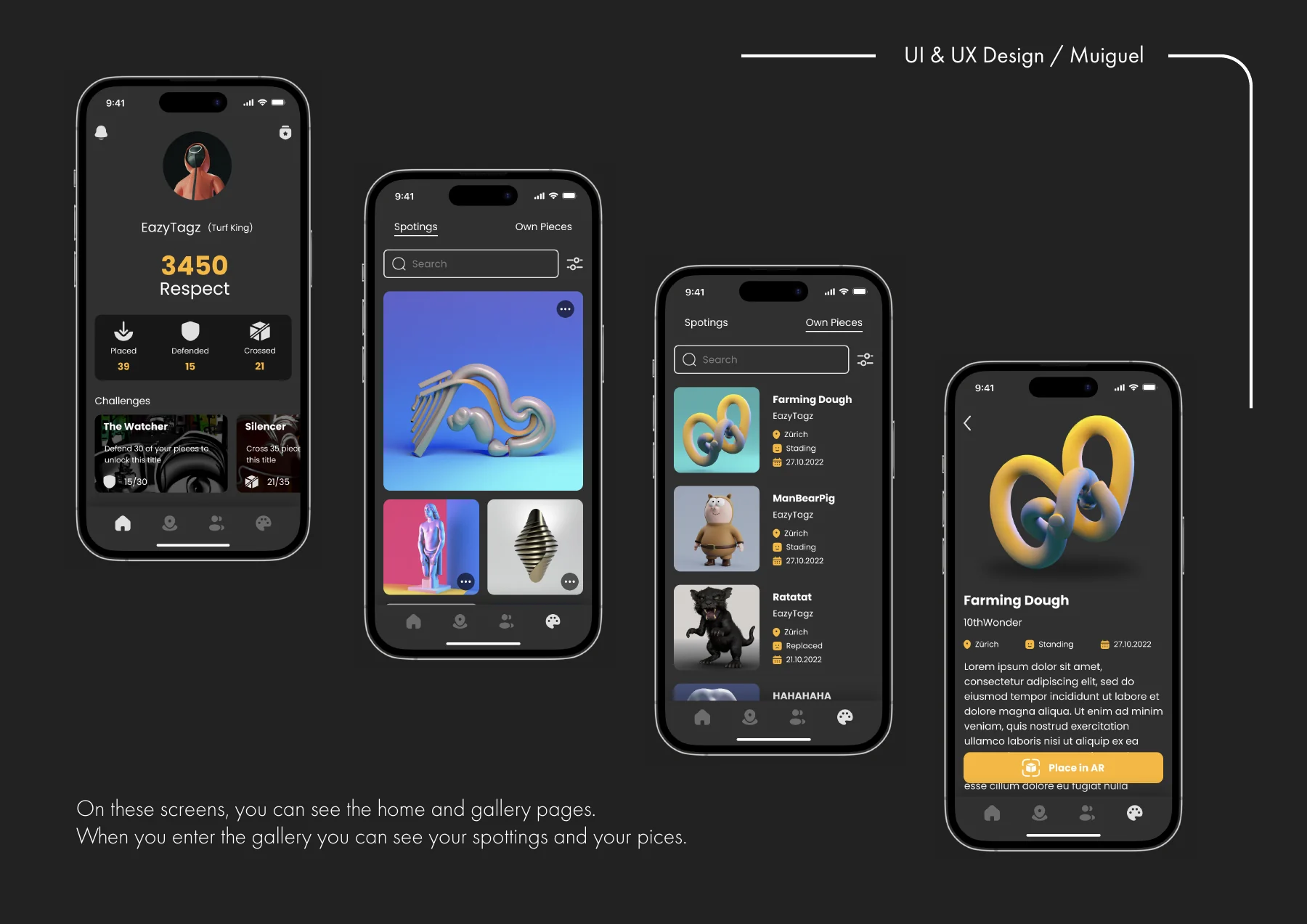
It offers users a quick overview of their in-app activities, including “Respect” points, challenges, and notifications. Users can track artworks placed, defended, and crossed, as well as monitor progress on ongoing challenges to stay engaged.
Map Screens
It guides users in discovering and claiming virtual territories in real-world settings. Users explore a city map, spot artworks, and claim unoccupied areas with step-by-step prompts for mapping and art placement. The intuitive interface and real-time feedback make exploring, creating, and defending art engaging and seamless.
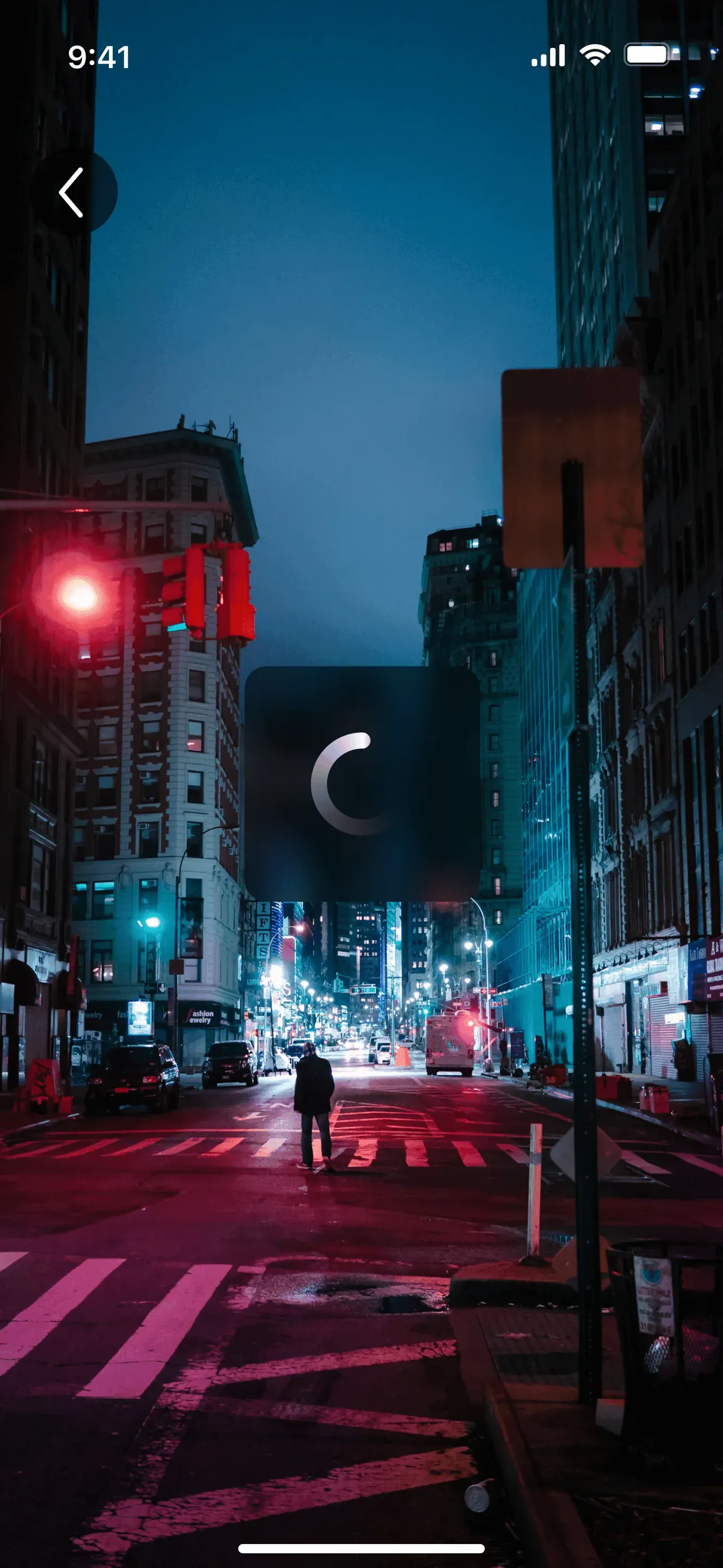
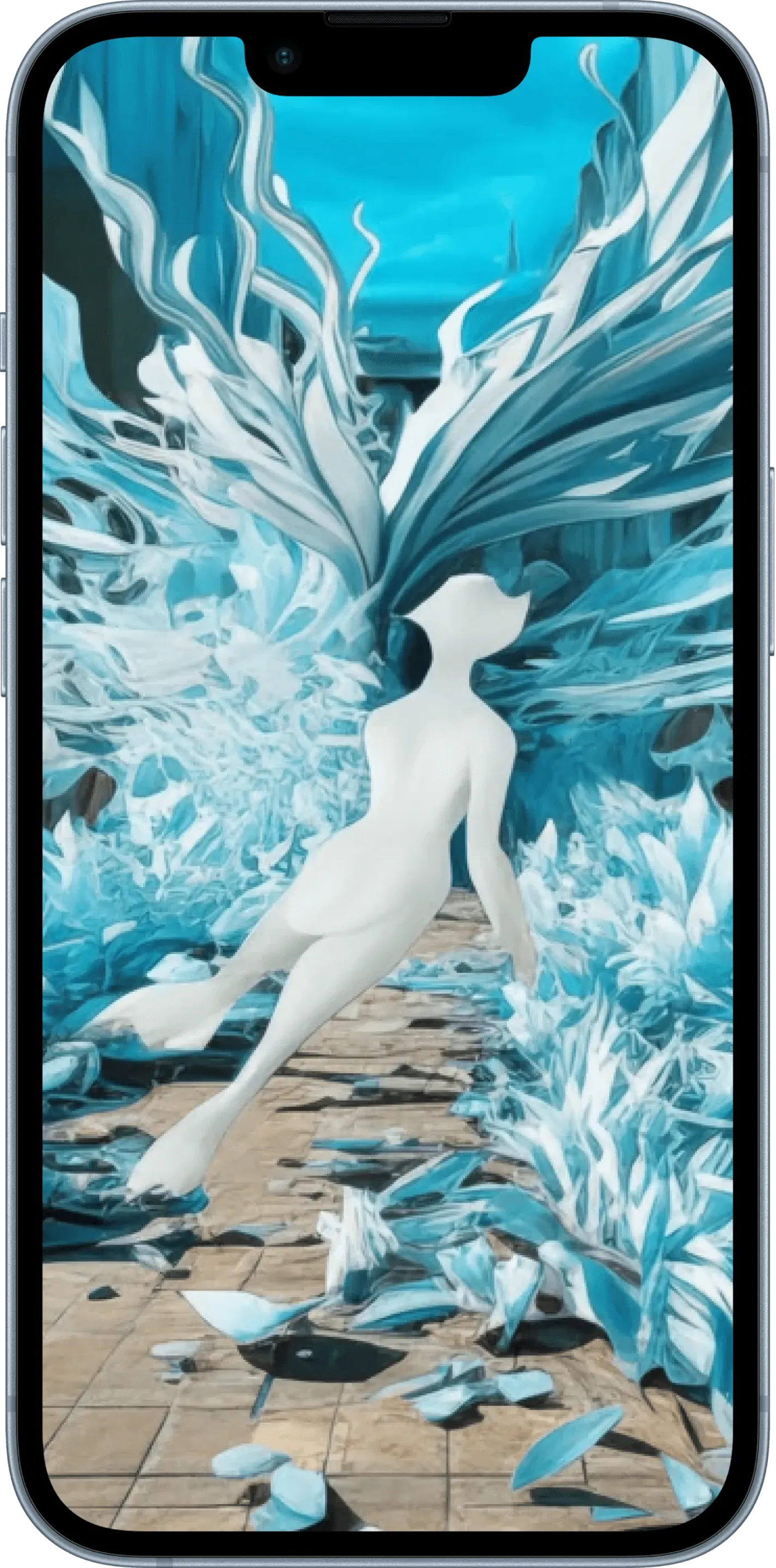
Scan - Art Placement
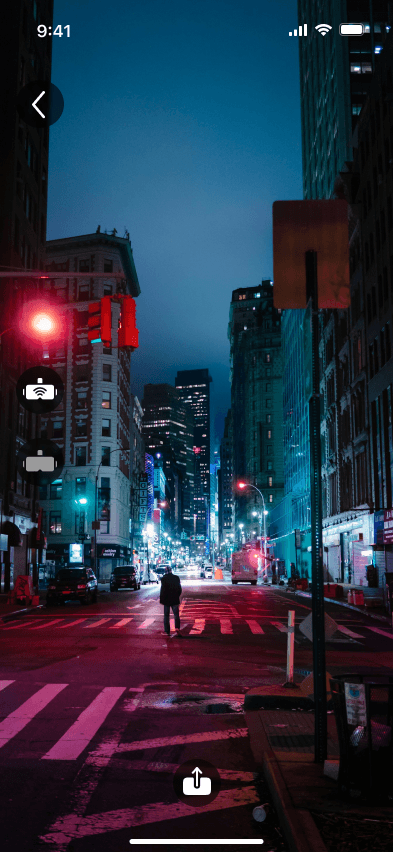
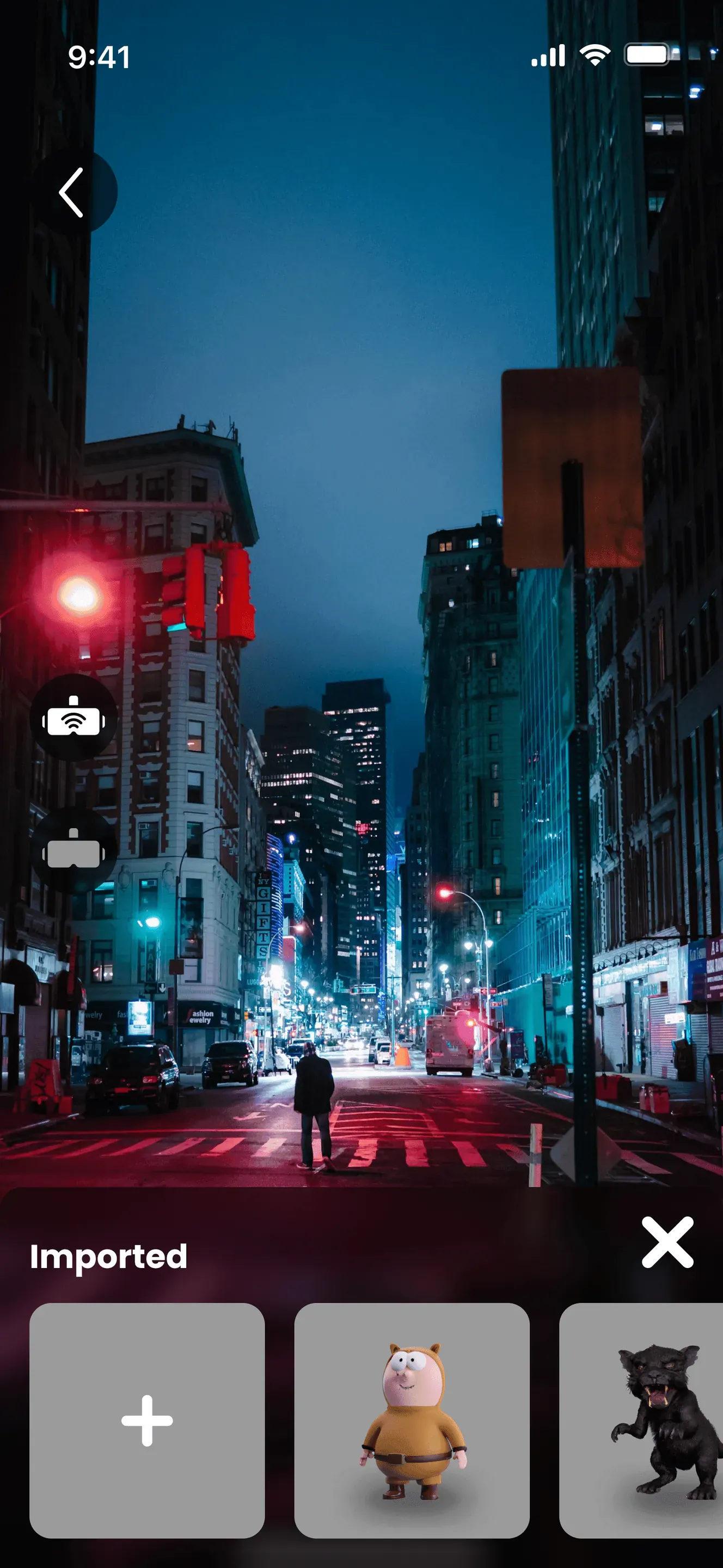
On this screen, the user can visualize how to place a 3D model and create an area if it has not been mapped yet.
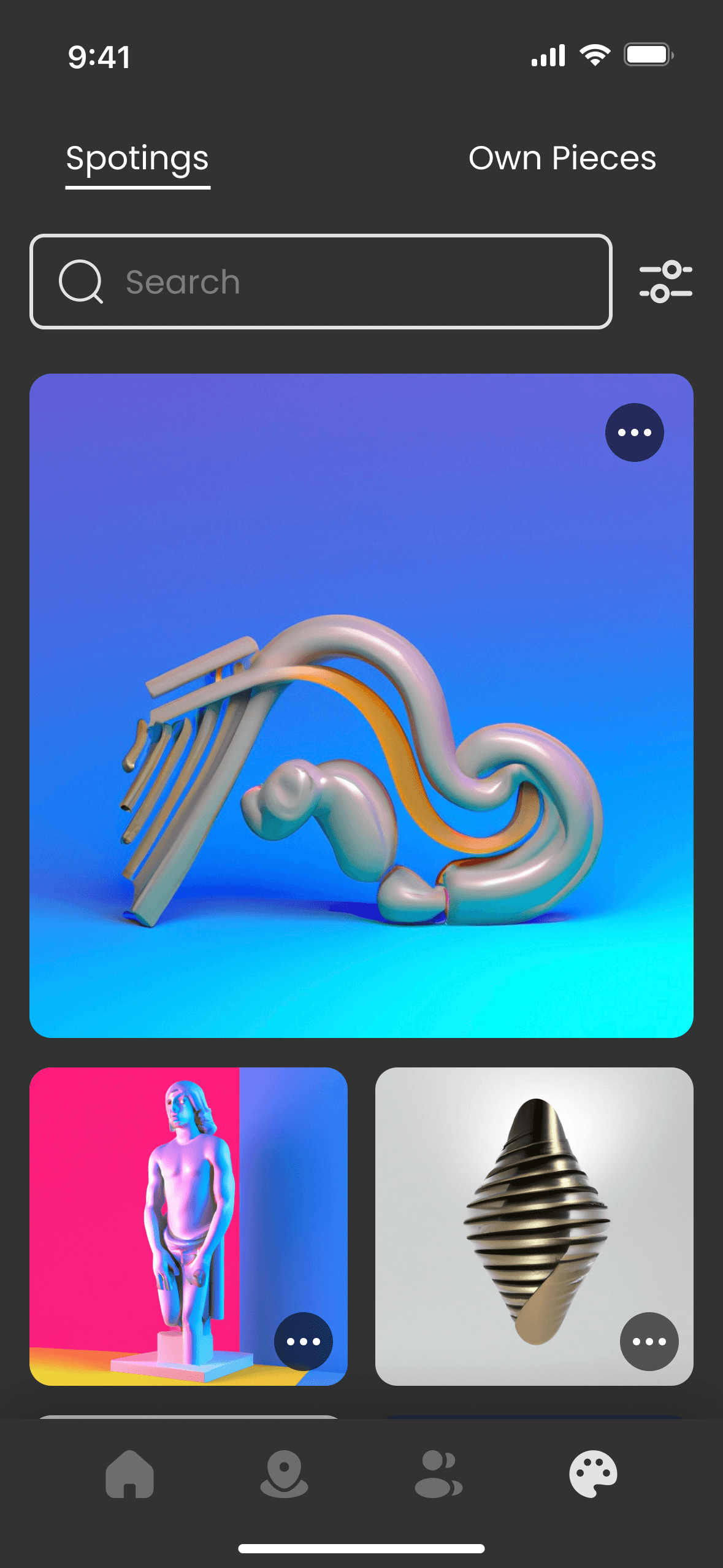
Collection Screens
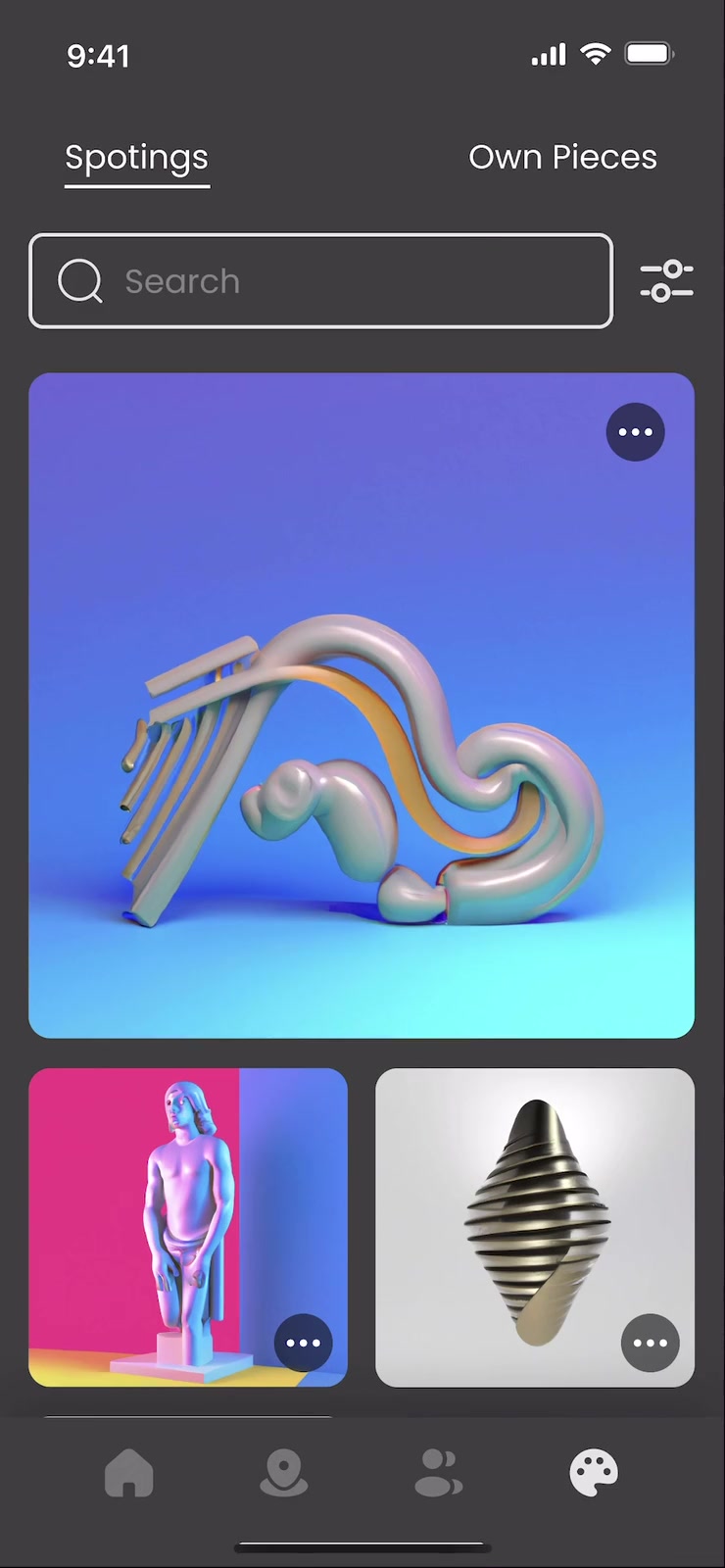
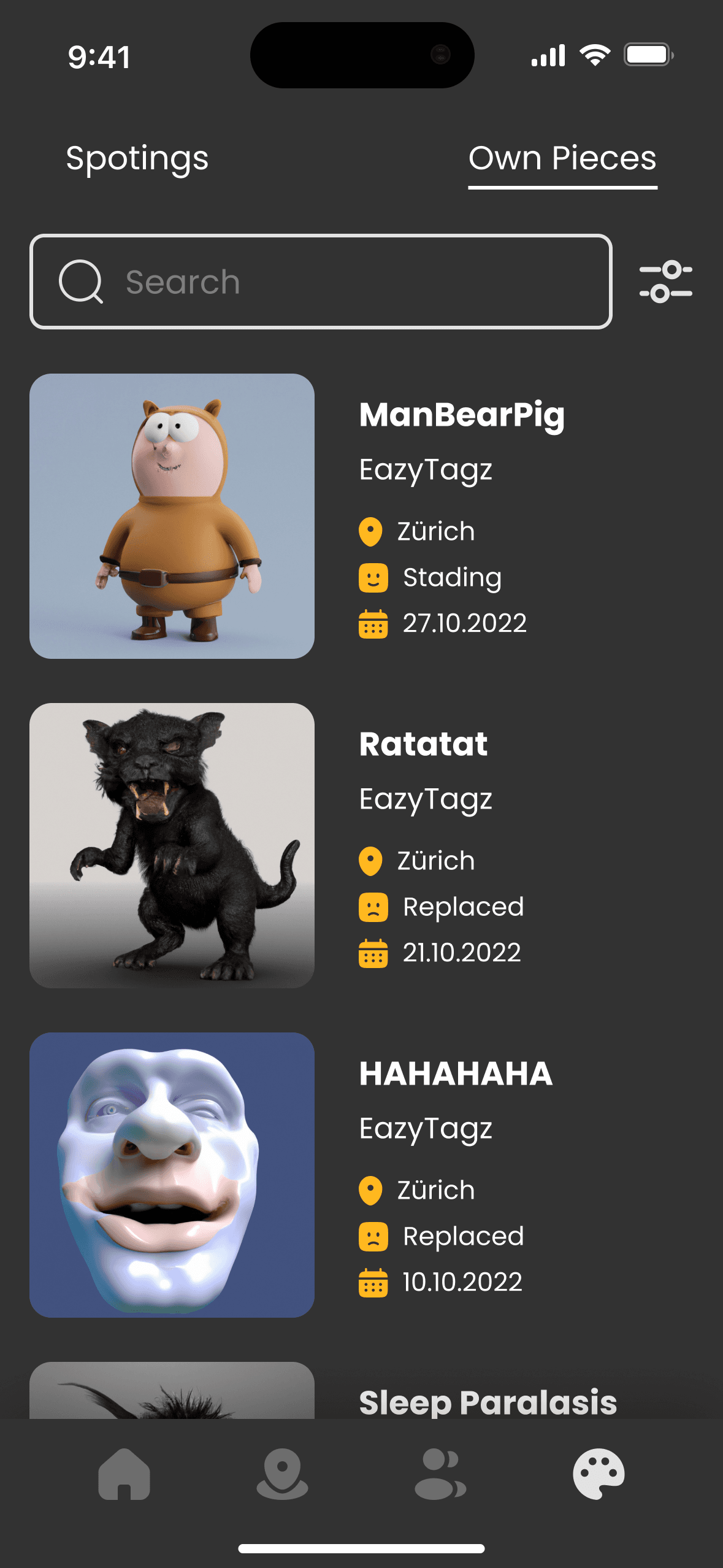
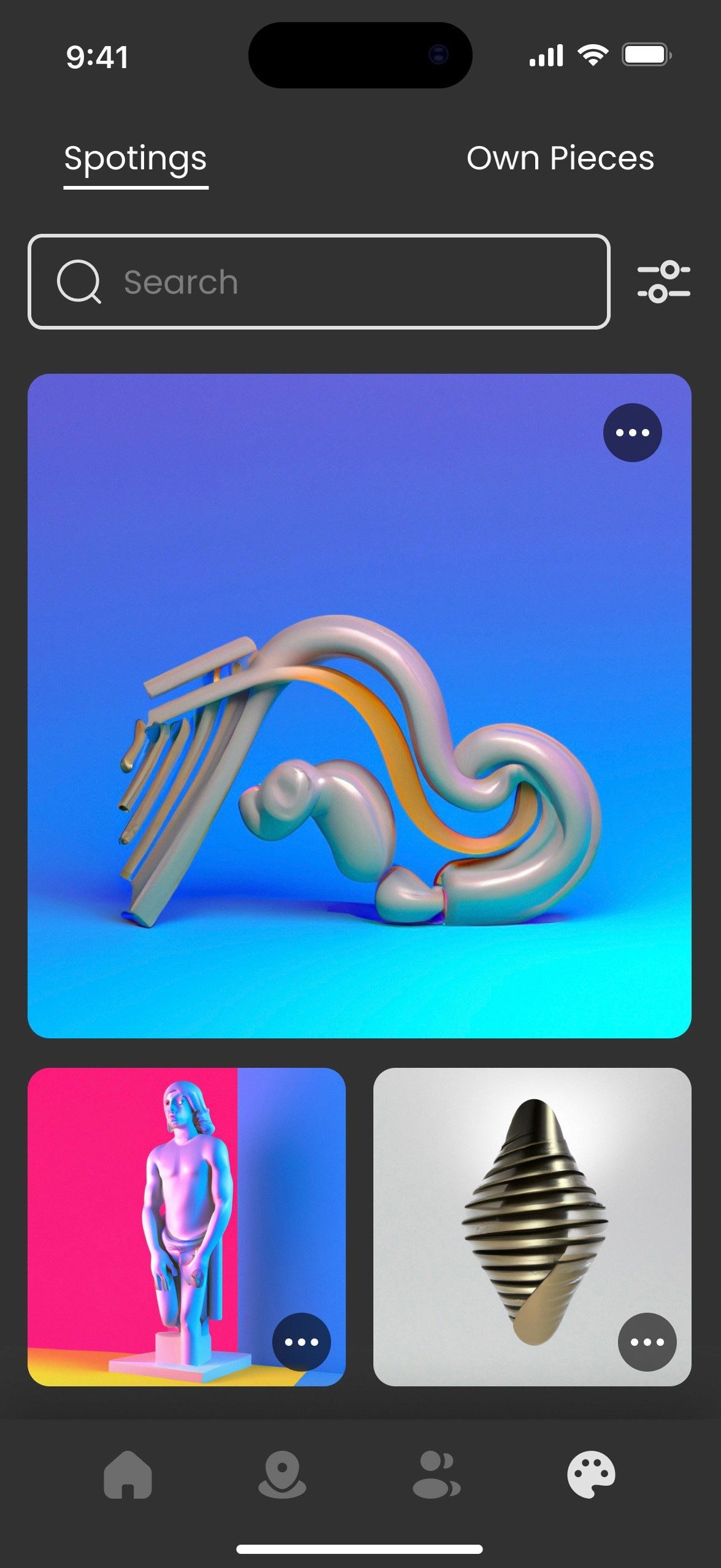
It lets users manage their digital artworks and view those created by others. Users can switch between discovered “Spotings” and their “Own Pieces,” with details on each piece’s location, creator, and defense status. The design offers easy navigation and a comprehensive view, keeping users engaged in their digital gallery and competitive strategies.
Contact Screens
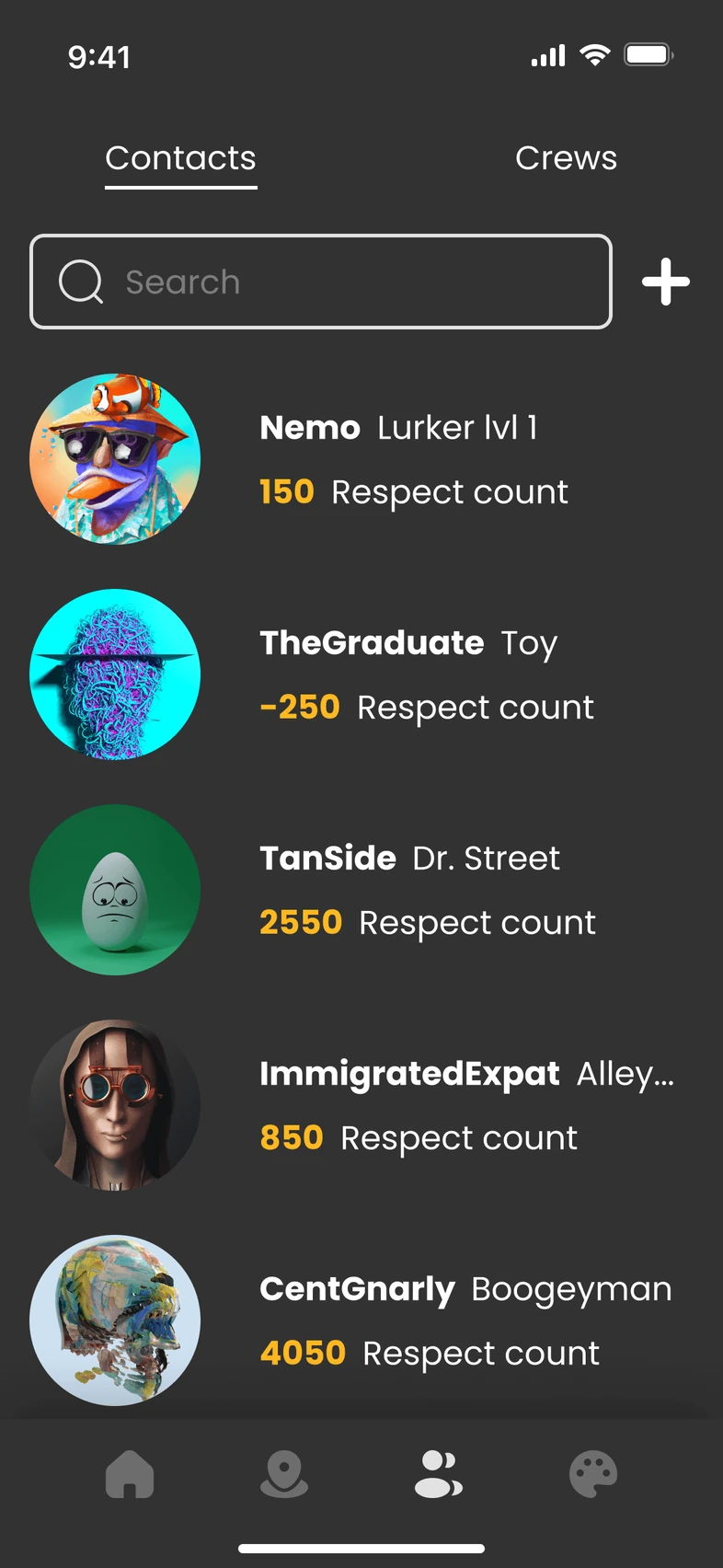
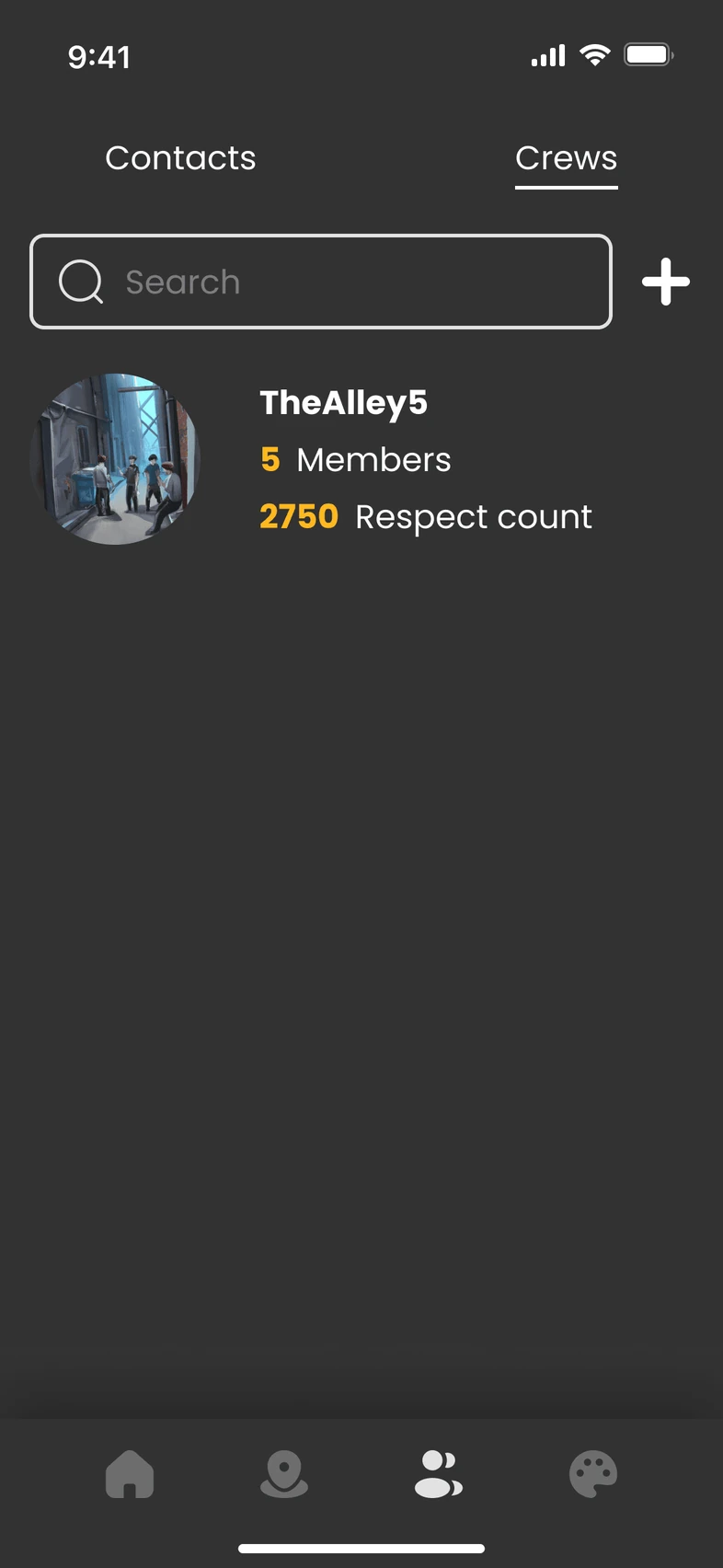
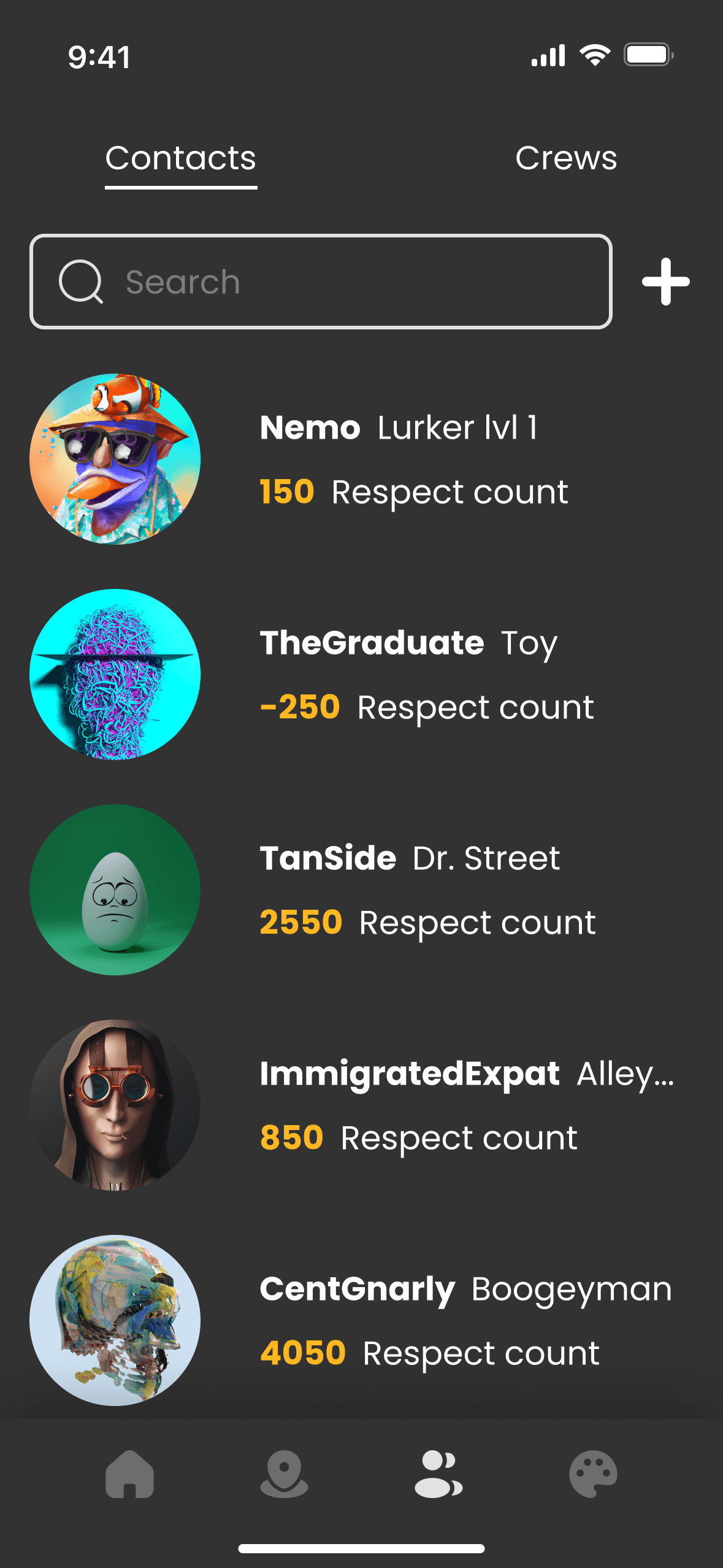
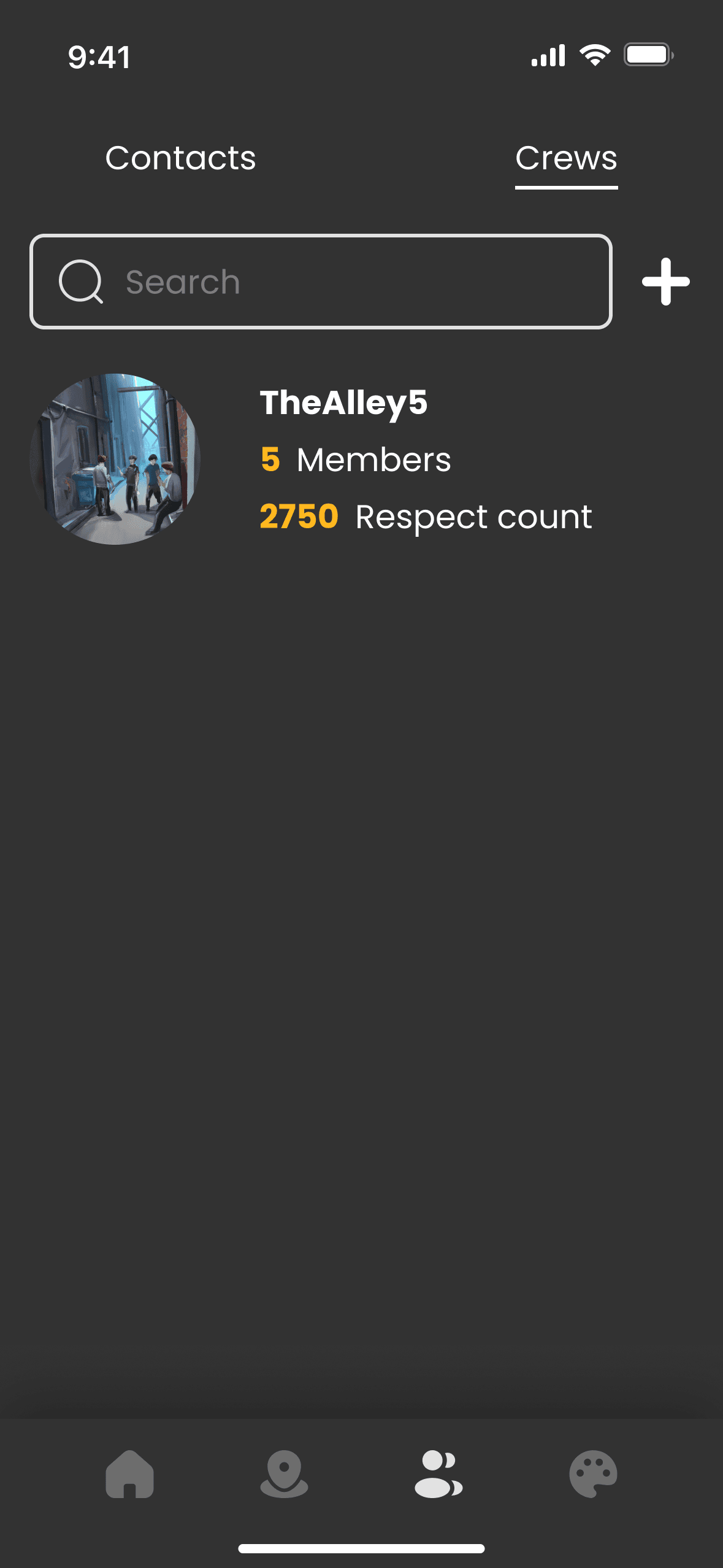
It facilitates user interaction with easy access to individual contacts and crew groups. Users can search for friends, view crew affiliations, and check respect points to see their community ranking. This section fosters community-building by enabling users to add contacts, collaborate, compete, and network with like-minded artists in the digital art space.
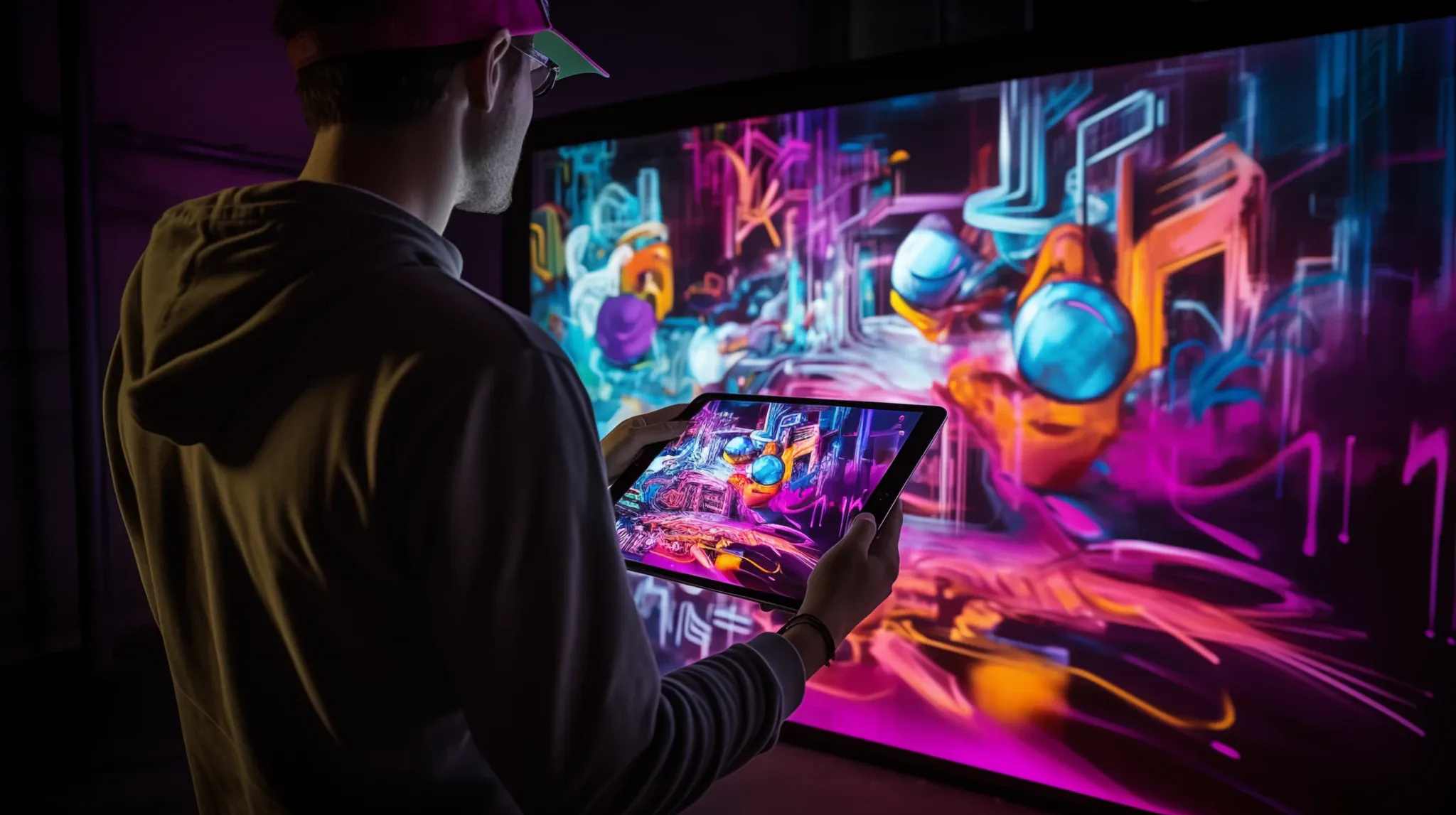
Hololens 2 App
- Beta is Almost Here!
- Stay Tuned for Launch
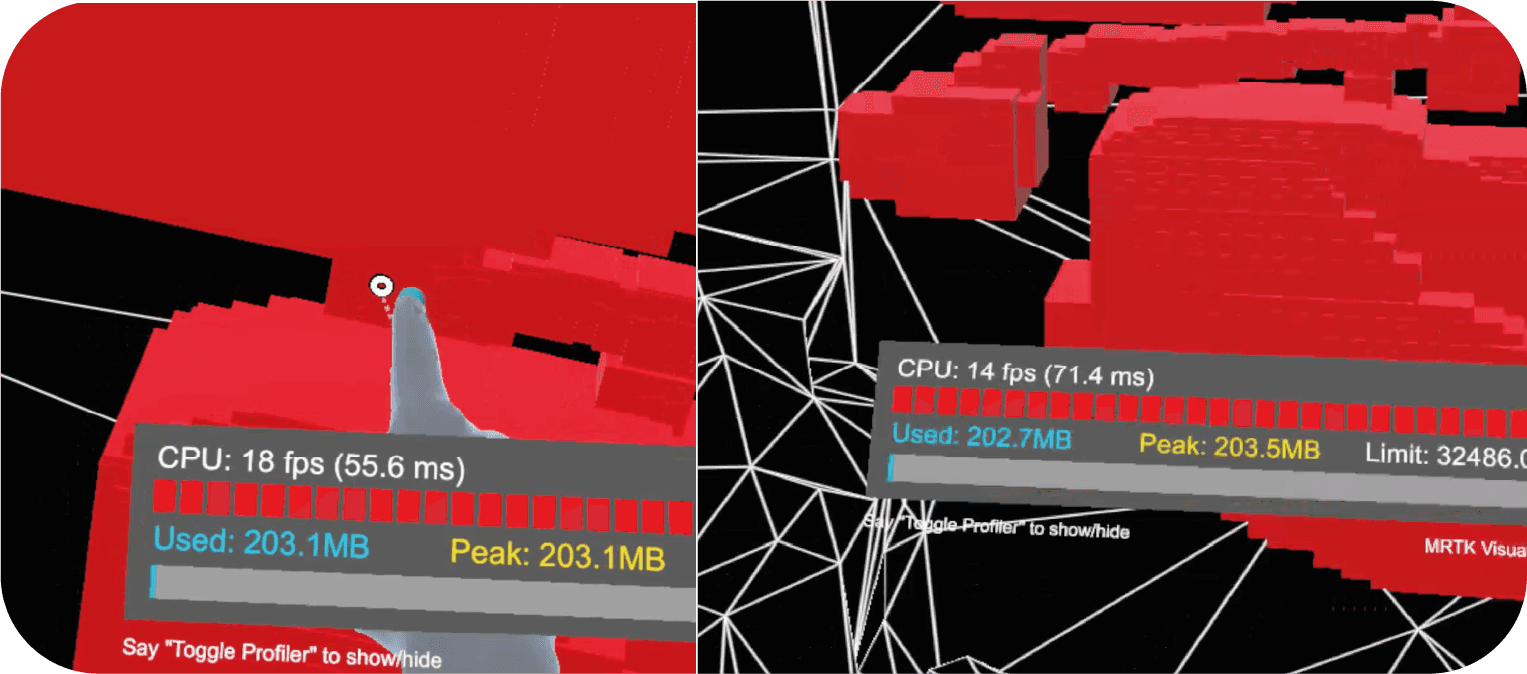
Under the guidance of MTC, we developed an application using Unity's Hololens 2 software development kit (SDK) for our project, Visible. In just two weeks, we crafted a beta hands-free interface that allowed users to switch between their left and right hands for drawing. The non-drawing hand served as a menu, offering options to choose colors, shapes, and upload 3D models. This project involved intricate development to enhance the user experience.
On these screens, you can see the home and gallery pages. When you enter the gallery you can see your spottings and your pices.
Visible_documentation.pdf, page 4
On this screen, you can visualize how to place a 3D model and make an area if it is not yet mapped.
Visible_documentation.pdf, page 5
This is a proof of concept that we built using Unity. It includes UI and tools that were developed in the program fot the Hollolense.
Visible_documentation.pdf, page 6